
We are influencers and brand affiliates. This post contains affiliate links, most which go to Amazon and are Geo-Affiliate links to nearest Amazon store.

Losing a phone can be one of the most stressful things that can happen, not just because of the cost, but because our phones hold so much of our daily lives, from communication with friends and family to storing photos, documents, and personal information. Of course, losing a phone can also mean an unexpected expense if you can’t recover it.
While iPhones have a strong tracking system even when turned off, Android phones are not far behind thanks to Google’s Find My Device feature. This tool lets you locate your phone on a map and make it ring, even if it’s on silent, as long as it’s connected to the internet through mobile data or Wi-Fi. So, if you ever leave your phone in a taxi or another place, you can quickly track its real-time location.
You can also erase all your data permanently, though doing so would make recovery impossible. However, this ensures that the device becomes useless to a potential thief and protects your personal information.
The first step to keeping your phone trackable in case it gets lost is to make sure location services are turned on. Once that’s done, you can visit Google’s official Find Hub page.
Steps to Locate Your Device Using Find Hub
Sign in with your account: Once on the Find Hub page, log in with the same Google account that you used on your lost device, not a new one. This allows Google to verify that you’re the owner of the missing phone.
View the location on the map: If everything works correctly and your phone is connected to the internet, you’ll see its real-time location on a satellite map. If the phone is offline, you should still see its last known location.
Keep in mind that if someone turns off your phone, things can get more complicated. The chances of finding it decrease significantly, mainly because Android’s lost-device network is not yet as advanced as Apple’s.
Can You Find an Android Phone That’s Turned Off?
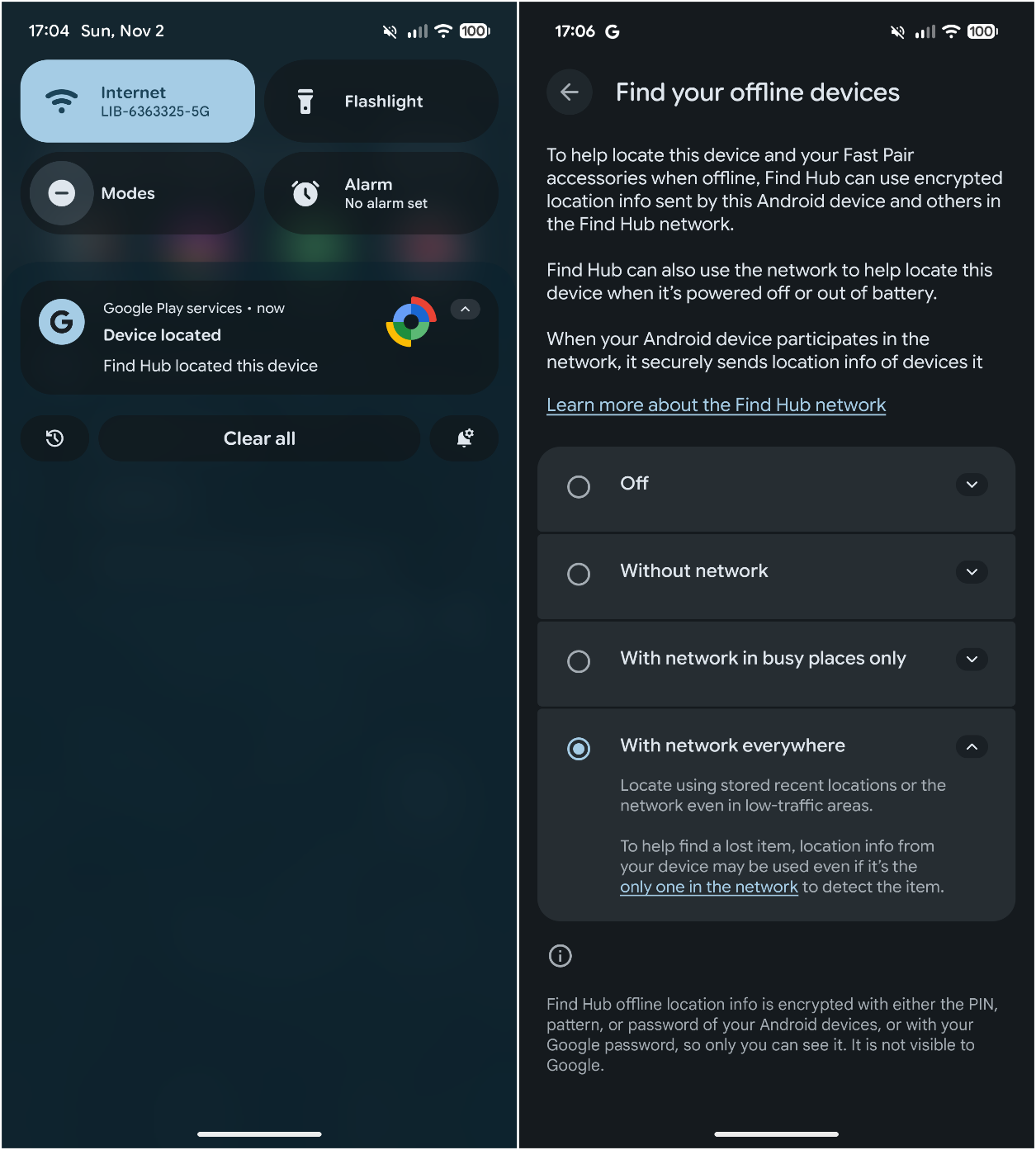
Yes, but not all Android phones support this enhanced tracking feature. This affects how well the system can locate lost devices. Only a few models, such as the Google Pixel 8 series and newer, can still be located even when powered off or with a dead battery (for a few hours).
This works because the Bluetooth chip in these devices continues to send out a low-energy location signal.
Unfortunately, many Android phones don’t support this feature. Even if there are several Android devices nearby, they won’t always be able to detect a lost phone in power-off mode, simply because they’re not part of the extended tracking network.
Not even Samsung includes this feature in most models. Only a few phones from Xiaomi, OnePlus, and Google Pixel are currently compatible.
Tracking a powered-off Android device is still unreliable, forum discussions and user tests show that the system needs more development before it can be considered dependable. Hopefully, with the release of Android 16, Google will improve this system and make it compatible with more devices.
We are influencers and brand affiliates. This post contains affiliate links, most which go to Amazon and are Geo-Affiliate links to nearest Amazon store.

My name is Joel! I love to read, I go to university like most people my age.
In my free time I usually train boxing, I love music, I also know how to play the guitar and the harmonica.