
We are influencers and brand affiliates. This post contains affiliate links, most which go to Amazon and are Geo-Affiliate links to nearest Amazon store.
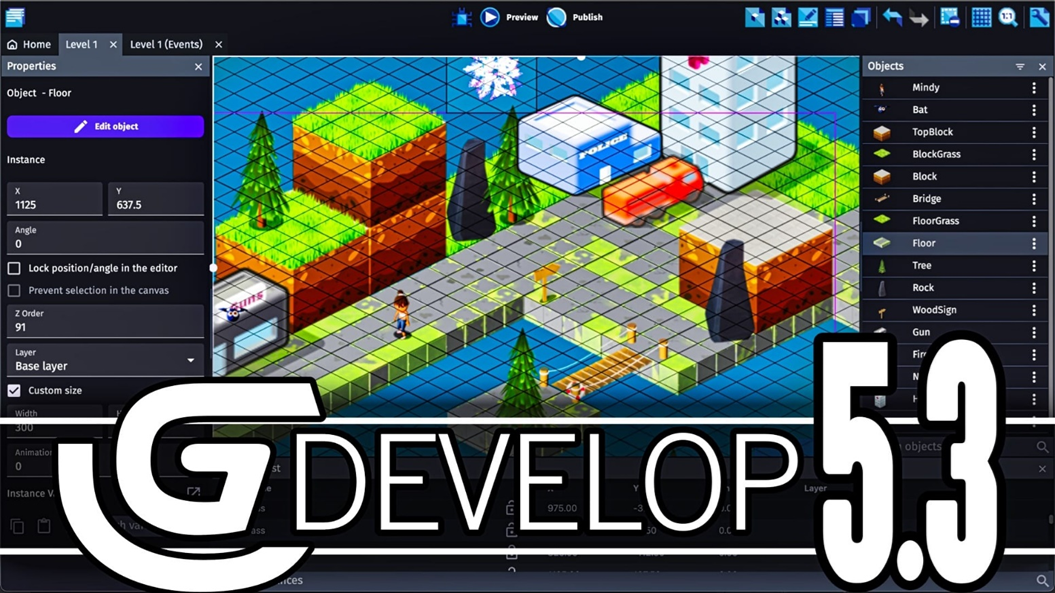
When someone talks to us about the term “game development,” we often associate it with a lot of coding in programming languages like C++, JavaScript, or Python, and that is certainly true. Most complex games require a lot of code for their development, but that does not mean it is impossible to create a game without any programming knowledge.
This is where GDevelop comes in, a powerful open-source game engine that allows you to create your own game with the difference that you can do it without writing a single line of code. Therefore, the limit is set by you because GDevelop offers tools ranging from basic to advanced to help you create a better game.
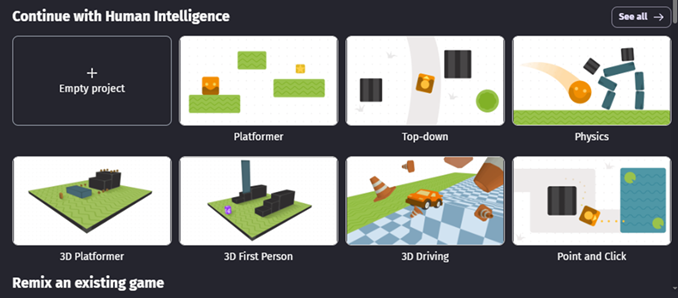
So how do you achieve all of this without a single line of code? Well, everything is built with something called the “event system.” It is super intuitive and visual. Basically, you tell the game, “Hey, if this condition happens (for example, if the player presses the jump key), then you have to perform this action (apply a force so the character jumps!).” By connecting these simple rules, you build the most complex logic you can imagine without struggling with syntax errors that can make you want to give up.
Is GDevelop free?
Yes, GDevelop is an open-source game engine, so installing and using it does not require any payment or subscription. However, some assets may have a cost. Additionally, GDevelop offers beginner courses, which could involve fees, but you can develop a game without spending a single cent.
You can download the desktop version, but you can also use their website, which works just as well. We recommend downloading and installing it because if you lose your internet connection, you will not be able to continue developing your game. Either way, you can click here to visit the official GDevelop website.
We tried generating games with AI and, to be honest, the results were a bit disappointing. It is still more practical for you to develop the game yourself rather than letting AI interpret your ideas and create something that might not be what you really want.
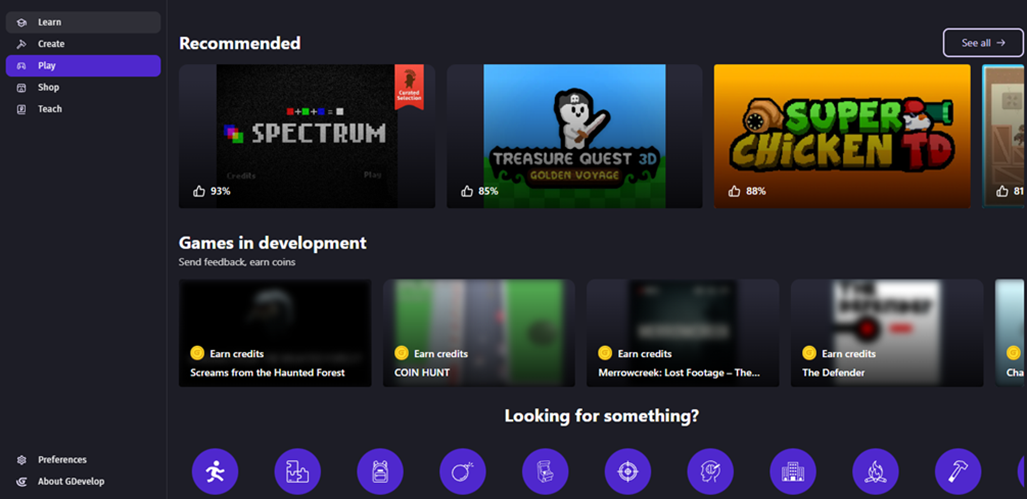
Therefore, our recommendation is to do the work manually. Also, to get an idea of what you can create, you can explore some games made by other users to see the full potential you can achieve. Once you create your first projects, it can be the first step toward moving to a more versatile and free game engine like Unity.
We are influencers and brand affiliates. This post contains affiliate links, most which go to Amazon and are Geo-Affiliate links to nearest Amazon store.

My name is Joel! I love to read, I go to university like most people my age.
In my free time I usually train boxing, I love music, I also know how to play the guitar and the harmonica.