
We are influencers and brand affiliates. This post contains affiliate links, most which go to Amazon and are Geo-Affiliate links to nearest Amazon store.
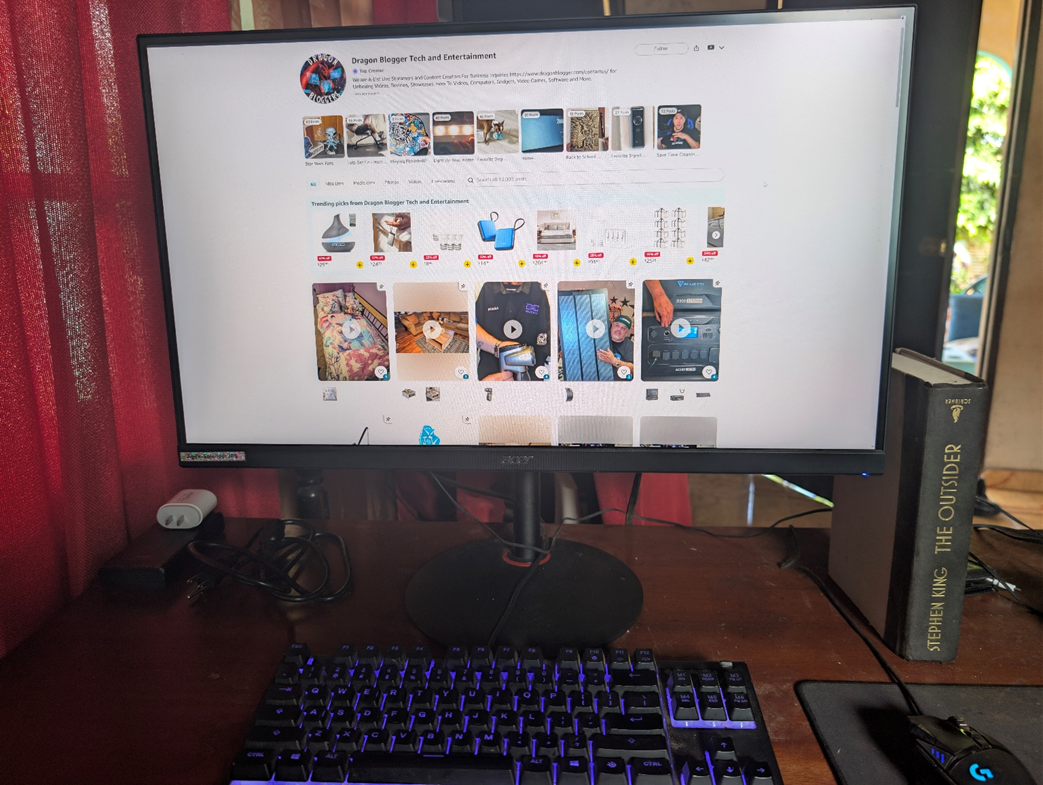
Today at Dragon Blogger, we bring you a very interesting review for those who have been looking for a good-quality monitor for under $200. We are talking about the Acer Nitro, but since there are so many similar models that look almost identical, it is better to refer to it by its exact model number: M3bmiiprx.
In this review, we will tell you what this monitor offers, including its strengths and a few areas where we wish it could have been better.
Native Resolution: 2560 x 1440
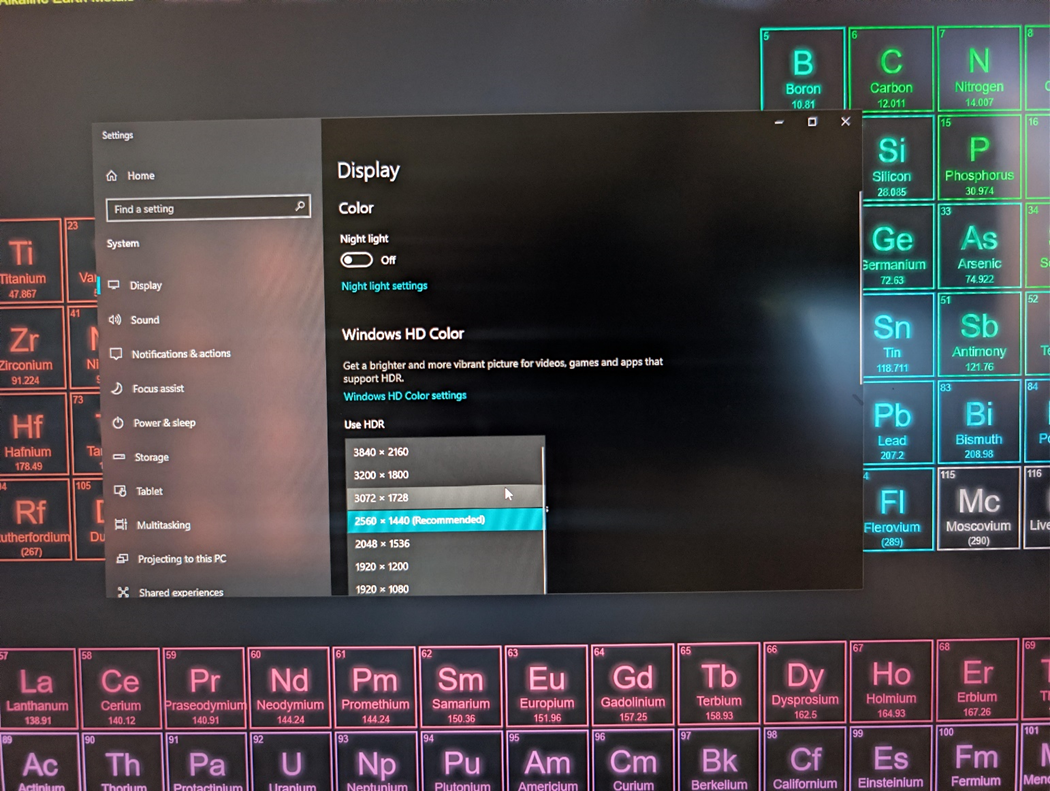
The Acer Nitro monitor offers a native resolution of 2560 x 1440, better known as 2K in the monitor world. Compared to a 1080p monitor, it delivers about 80 percent more pixels, which means you can appreciate much more detail. This works great for gaming, watching videos, or in my case, writing articles most of the time.
The 24” and 27” options are usually the most popular, and this is where 2K resolution really makes sense, as it prevents image quality loss when displayed on a larger screen. For example, if you compare it to a 27” 1080p monitor, you will clearly notice the difference, since the 1080p display has a lower pixel density.
In my case, having a 27” screen works better because I can keep two windows open at the same time in a very comfortable way. I barely need to switch between screens, and even though it may seem like a small detail, once you try it, you realize how much it can improve your productivity.
Up to 180 Hz
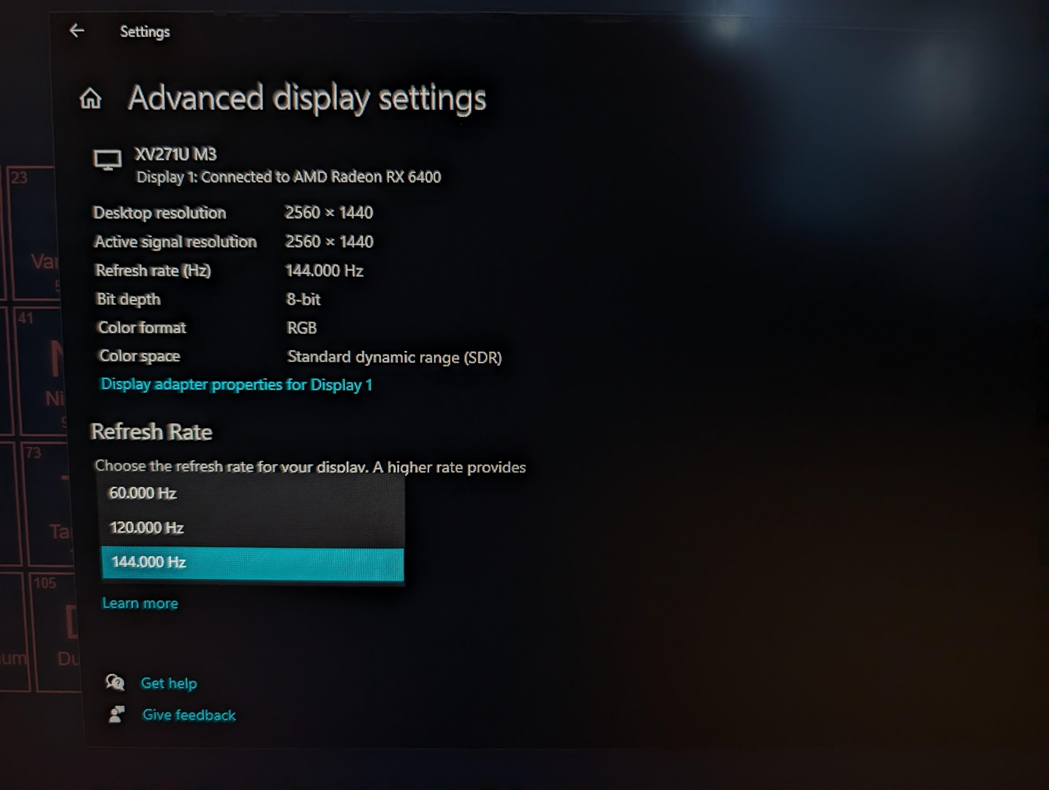
Unfortunately, I do not have a DisplayPort cable to reach the full 180 Hz this monitor supports, so I am limited to 144 Hz, which is the maximum refresh rate available through HDMI 2.0 at 2560 x 1440 resolution. Even so, this is more than enough for me. However, if you enjoy competitive gaming, I would recommend adding a DisplayPort cable to get the most out of it.
Ports and Buttons
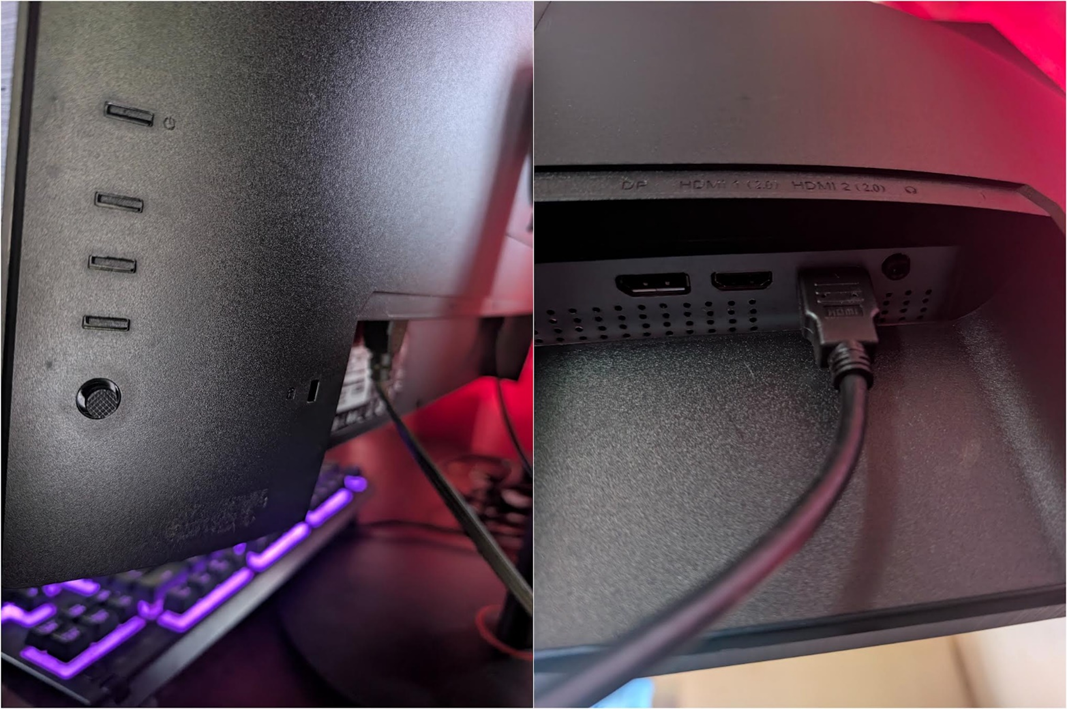
Since we are already talking about refresh rates, you might be wondering what ports are available on the Acer Nitro monitor. It only includes the essentials: two HDMI 2.0 ports, one DisplayPort, and an audio-out port for connecting external speakers. That said, the monitor does include built-in speakers. They are nothing special, but they are at least functional. Most of the time, I use my headphones, so this is not very important to me.
On the back of the monitor, there are also a few buttons used to power it on and off and to adjust the monitor’s settings.
Customization Options
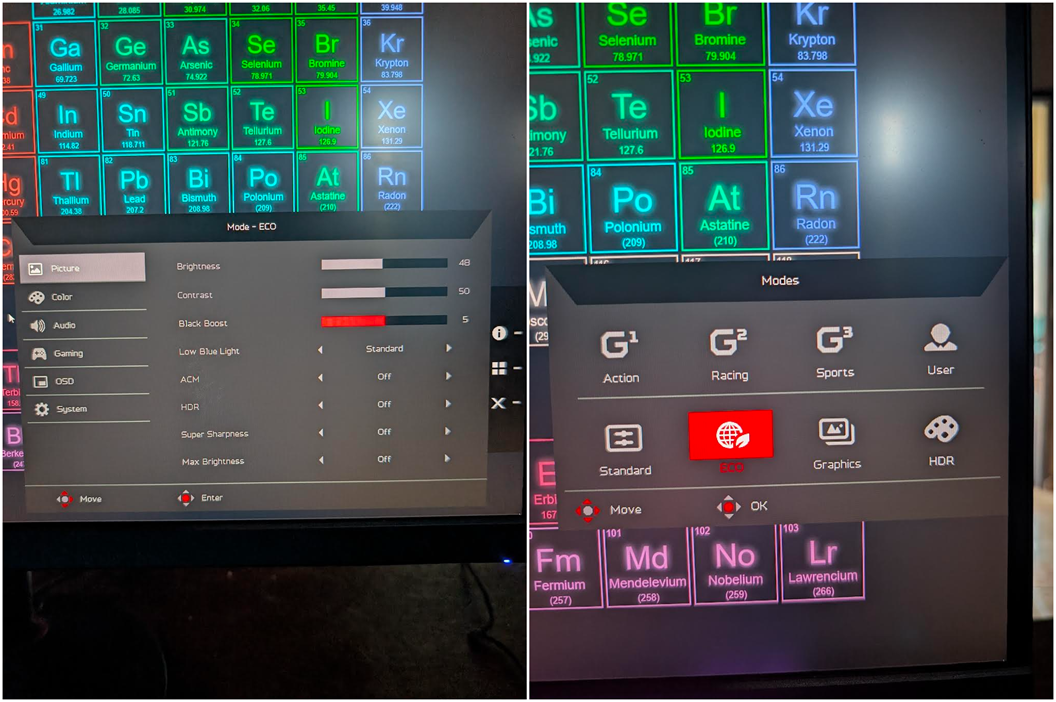
I have not explored all the settings in depth, but you basically find what you would expect in this section. You can adjust brightness, contrast, black levels, enable low blue light, and switch between different modes such as Standard, Eco, Graphics, and HDR.
Even though this is an HDR monitor, it only offers 250 nits of brightness, so the HDR experience is not particularly impressive. This is the area that disappointed me a bit. The colors look great and I like the overall image quality, but 250 nits can feel a little limited at times, especially because my PC is located in my living room and receives a lot of natural light.
If you use the monitor in a bedroom or a space with low ambient light, you will probably never need to go above 50 percent brightness unless you want to strain your eyes. Overall, I am still happy with the brightness level, with only a few exceptions during the day.
It also includes AMD FreeSync Premium, which synchronizes FPS with the refresh rate to prevent screen tearing while gaming.
Included Stand
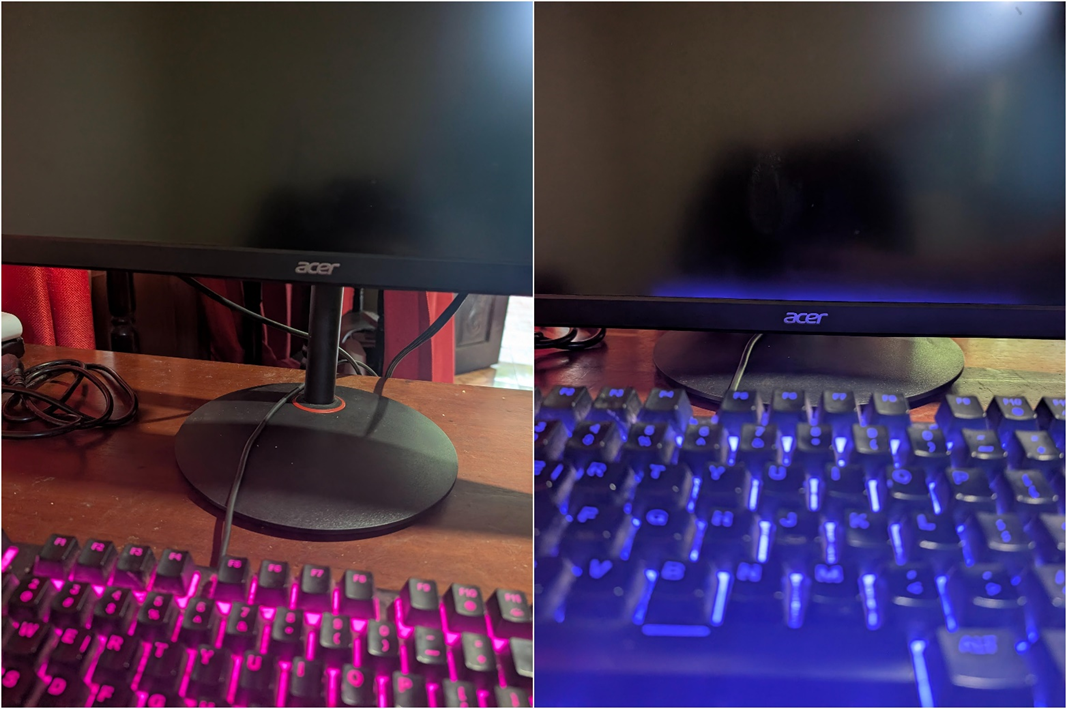
The included stand is quite good, and I think this is something that rarely gets mentioned in reviews. My previous monitor came with a fixed stand that positioned the screen too low. The Acer Nitro monitor includes a stand that allows for good height adjustment and can also rotate easily up to 360 degrees thanks to its rotating base. There is not much more to add. It is a stable stand and more than enough for my needs, even though I know there are more advanced options available.
Is the Acer Nitro Monitor Worth It in 2026?
If you are looking for a 2K monitor for gaming, work, and enjoying a high refresh rate, this is without a doubt one of your best options. It is not perfect, but for its specifications and price, it is absolutely worth it.
That said, if what you are looking for is exceptional image quality, an IPS monitor may not be enough, and you might need to go for an OLED display like the ASUS ROG Strix, one of the highest-rated monitors available. However, that is a much more expensive option, costing around $800 more than the Acer Nitro.
Interested in getting the Acer Nitro Monitor? Pick it up here on Amazon!
We are influencers and brand affiliates. This post contains affiliate links, most which go to Amazon and are Geo-Affiliate links to nearest Amazon store.

My name is Joel! I love to read, I go to university like most people my age.
In my free time I usually train boxing, I love music, I also know how to play the guitar and the harmonica.