
We are influencers and brand affiliates. This post contains affiliate links, most which go to Amazon and are Geo-Affiliate links to nearest Amazon store.
Recently, Gemini, the AI created by Google, introduced a new feature in its assistant: a next generation music generator developed by the team at Google DeepMind. While there were earlier models before Lyria 3, none had been released to the general public quite like this one, which is now natively integrated into Gemini.
If you have not heard about this update yet, or you simply do not use Gemini very often, this article will help you start exploring its full potential. Besides being fun, it can also boost your creativity and bring out that inner musician you never had the chance to develop.
What makes Lyria 3 interesting is that all the music is generated originally. The difference is that the AI does the heavy lifting from a short prompt. By simply writing a few words, the AI begins working to create a 30 second audio track for now.
How to Generate Free Music with Lyria 3
The first step is to visit the official Gemini website to get started. It is recommended to sign up with an account or log in. It is completely free to do so. Once you are inside, you should see something similar to the preview screen showing available creative tools.
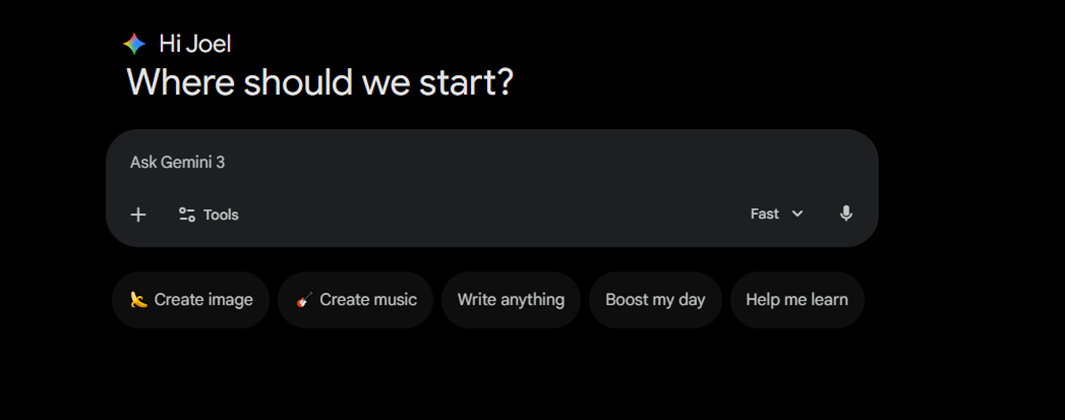
Select “Create music.”
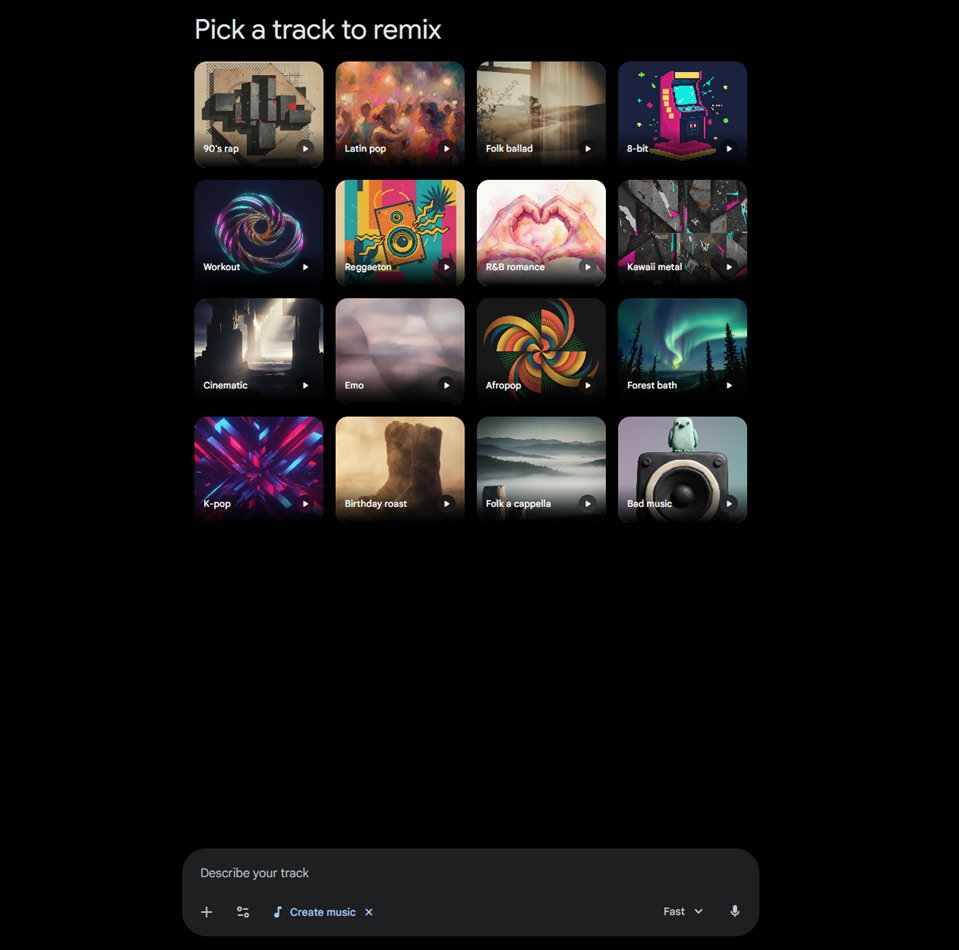
After that, Gemini will show several style suggestions, including genres like Latin pop, folk ballad, K pop, reggaeton, and more. You can choose one that matches the vibe you are looking for, or skip this step if you want something more unique.
The key step is writing your prompt. Simply describe the style, rhythm, mood you imagine, and the lyrics if you do not want it to be instrumental.
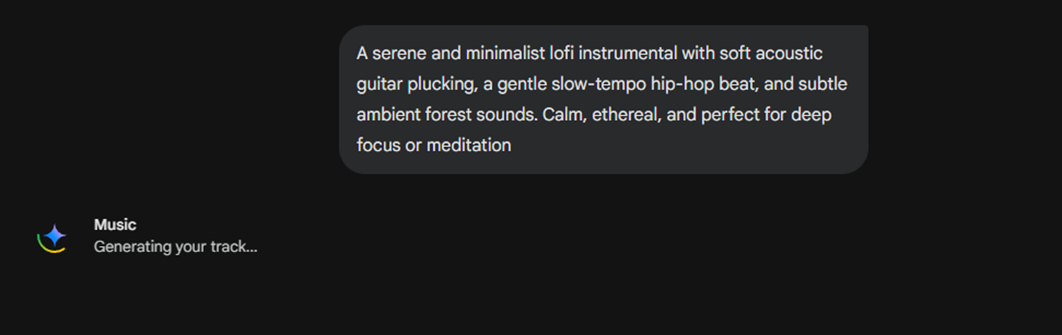
Once you submit the prompt, Gemini will start generating the audio. It usually takes around 20 seconds, so the process is quite fast.
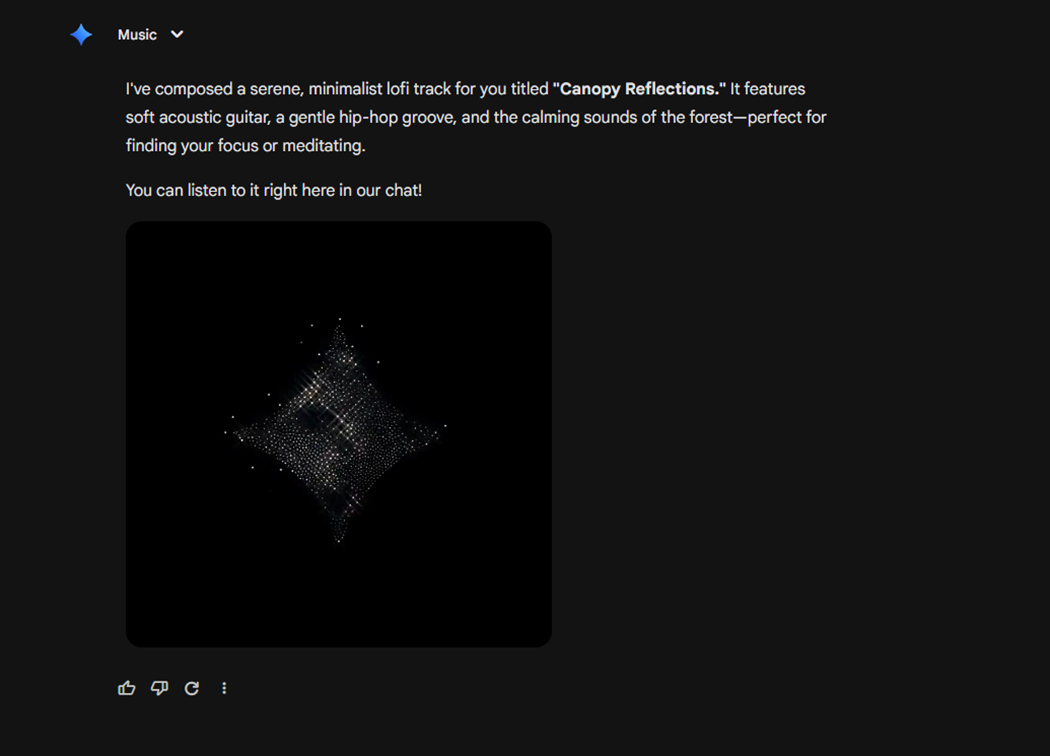
After a short wait, Gemini will deliver the finished audio, which is presented as a short animated video featuring the Gemini logo.
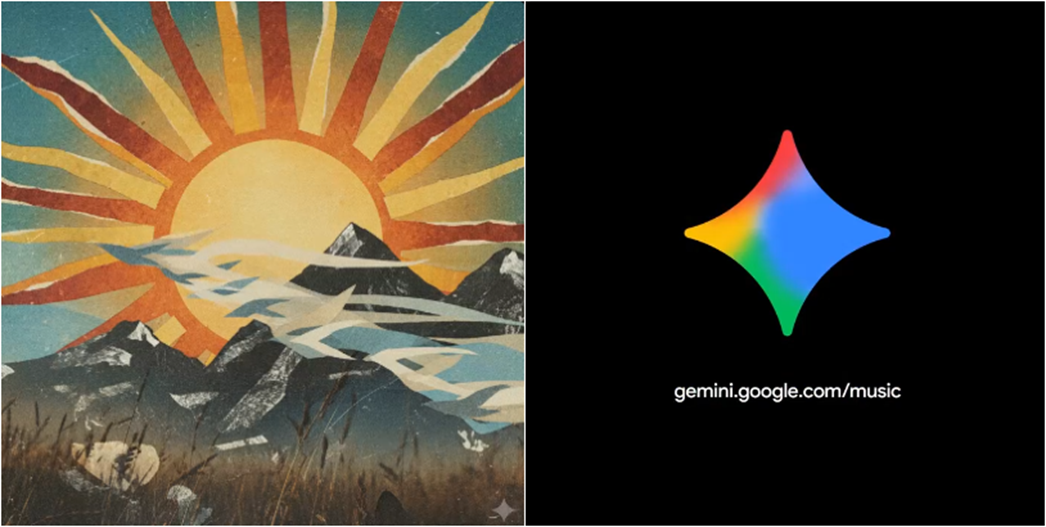
For songs with lyrics, Gemini typically generates a background image and then shows the Gemini logo at the end. Keep in mind that, for now, generation is limited to 30 seconds.
And that is it. That is how easy it is to create music or instrumentals using Gemini.
We are influencers and brand affiliates. This post contains affiliate links, most which go to Amazon and are Geo-Affiliate links to nearest Amazon store.

My name is Joel! I love to read, I go to university like most people my age.
In my free time I usually train boxing, I love music, I also know how to play the guitar and the harmonica.