
We are influencers and brand affiliates. This post contains affiliate links, most which go to Amazon and are Geo-Affiliate links to nearest Amazon store.
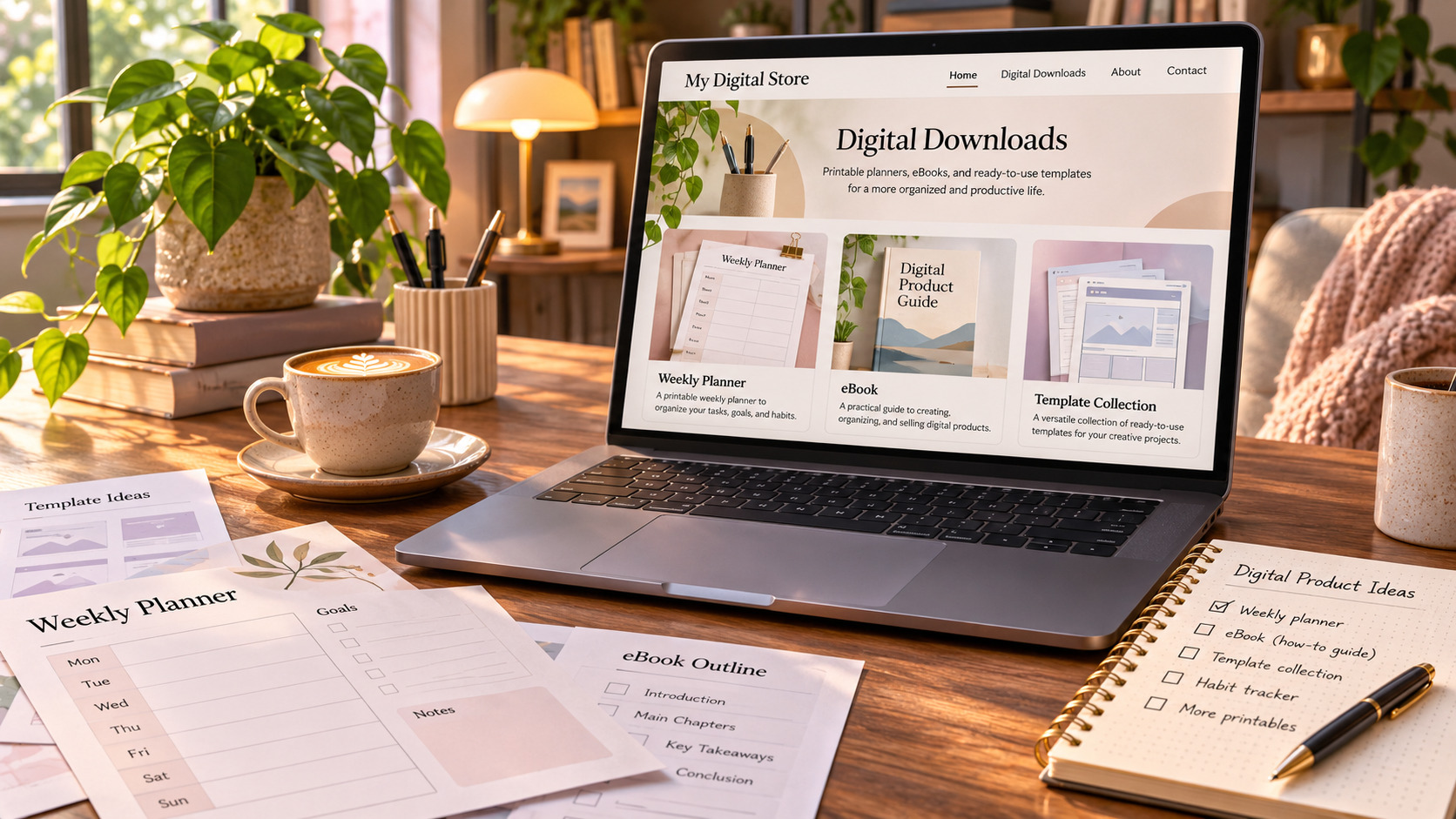
When we think about selling products online, we usually imagine a store that needs to keep inventory, prepare packages, and arrange shipping. However, not every online business works that way. There are also products that can be delivered directly over the internet, without having to ship anything physically.
For example, if you have knowledge about a particular subject, you could create an ebook, a guide, a collection of templates, or even guitar tabs for people learning to play their favorite songs. Once your content is ready, you can offer it through your own website and allow customers to download the file after making a payment.
Therefore, if you're interested in learning how to sell digital downloads with WordPress, I'll explain how you can create a small online store using WordPress, WooCommerce, and WPX Hosting.
Start with just one product
One thing I find interesting about digital products is that you don't need a huge catalog to get started.
Imagine you enjoy personal organization and decide to create a printable weekly planner. You can design it as a PDF and include different pages for organizing tasks, schedules, and goals.
Before publishing it, make sure the file opens correctly and that all the pages look good.
You should also make sure you have the necessary rights to any images, fonts, or other elements you've used.
My recommendation is to start with one well-made product and see if there's any interest before spending time creating more.
Set up your website with WPX Hosting
To sell your file, you'll need a website where people can learn about the product and complete their purchase.
One option is to use WPX Hosting to host WordPress and install WooCommerce, a plugin that adds ecommerce features to your website.
Once WordPress is running, you can install WooCommerce from the Plugins section and follow its setup wizard.
Afterward, choose a theme that displays your product clearly. You don't need an overly complicated design, especially if you're only planning to sell one or two files.
Add your first downloadable product
From your WooCommerce dashboard, go to the Products section and select the option to add a new product. Enter the name of your planner, a description of what it includes, and its price.
Under the product settings, select the Virtual and Downloadable options when appropriate. This tells WooCommerce to treat the item as a digital file rather than a physical product that requires shipping. Then, upload the PDF that customers will receive.
You can also set download limits or an expiration period, depending on how you want to deliver the content.
These features make WooCommerce useful for a digital product website, whether you're selling printable planners, templates, or running a small WordPress ebook store.
Create an attractive sales page
Even if your planner is useful, people still need to know what they're buying. That's why I recommend using photos or preview images that show some of the pages inside the document.
You can also explain what the planner is for, what it includes, and when someone might find it useful. For example, if it's a planner designed for students, you could mention that it helps organize assignments, exams, and weekly activities.
Avoid making exaggerated promises. A clear description and a few images may be enough to help customers decide whether the product is right for them.
Set up payments and test the download
Before you start selling, you'll need to configure a payment method that's compatible with WooCommerce and available in your country.
Next, review the downloadable product settings to decide when customers should receive access to the file.
WooCommerce supports automated file delivery by providing download links after payment, depending on the order status and your store's configuration. My recommendation is to make a test purchase using your payment gateway's test mode, if available.
Check that the order appears correctly, that the confirmation email includes the appropriate download link, and that you can download and open the file without any problems.
You should also verify that someone who hasn't purchased the product can't freely access the protected file.
As you can see, creating a small digital product store can be an interesting option for people who want to sell online without managing physical inventory.
If you're thinking about launching your first downloadable product, you can get started with WPX Hosting here.
We are influencers and brand affiliates. This post contains affiliate links, most which go to Amazon and are Geo-Affiliate links to nearest Amazon store.

My name is Joel! I love to read, I go to university like most people my age.
In my free time I usually train boxing, I love music, I also know how to play the guitar and the harmonica.