
We are influencers and brand affiliates. This post contains affiliate links, most which go to Amazon and are Geo-Affiliate links to nearest Amazon store.
Gemini is currently one of the most powerful AI assistants in the world, especially the new Gemini 3 Pro model, which has much higher capabilities, including advanced reasoning. Therefore, there are endless possibilities to use AI to your advantage to create all kinds of things.
Lately, its Nano Banana image generator has become quite popular, but today we’ll cover another topic that is also very interesting: code generation for creating a game. Gemini can help generate highly complex code, which for someone with no experience could take months or even years to learn.
So, if you have a good idea in mind, you can create fun projects, although you should keep in mind that programming a game without knowing how to program has significant limitations. For example, for games with graphics engines, you would definitely need to spend much more time creating designs, not just writing code.
The fastest and simplest way is to ask Gemini to work for HTML5, which fits perfectly on both phone and computer browsers. However, you could also use Gemini to help you program if you develop a game with Unity, Unreal Engine, or similar graphics engines. There’s a lot of programming there that can limit enthusiasts who want to develop their own game.
Therefore, today we asked Gemini to create an Agar.io-style game, one of the classic browser games that was very popular a few years ago. We asked it to add bots, logic, improved design, controls, and more, so that it would be playable from the very first try.
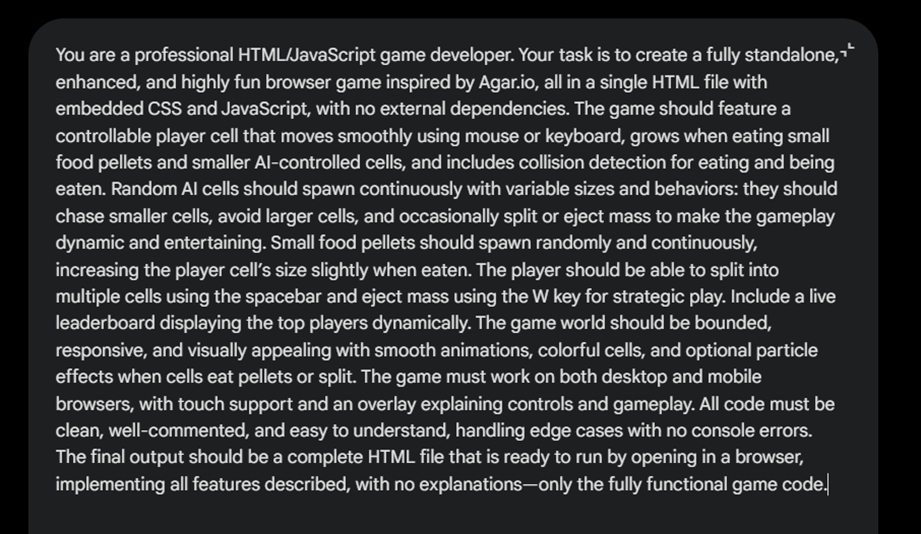
The first thing we did was activate Gemini 3 Pro by simply selecting the model. Then we input a highly detailed prompt. This was basically the instruction for Gemini to generate the game we wanted correctly and logically. Since this was just a test, we used ChatGPT to create the prompt.
It’s ideal to have a clear idea of your game. The AI can interpret the prompt well if it’s given precise instructions about what you want. Then you can simply edit the generated prompt if necessary.

In this image, you can see how Gemini starts working, beginning with reasoning to create the best path and options before generating the code.
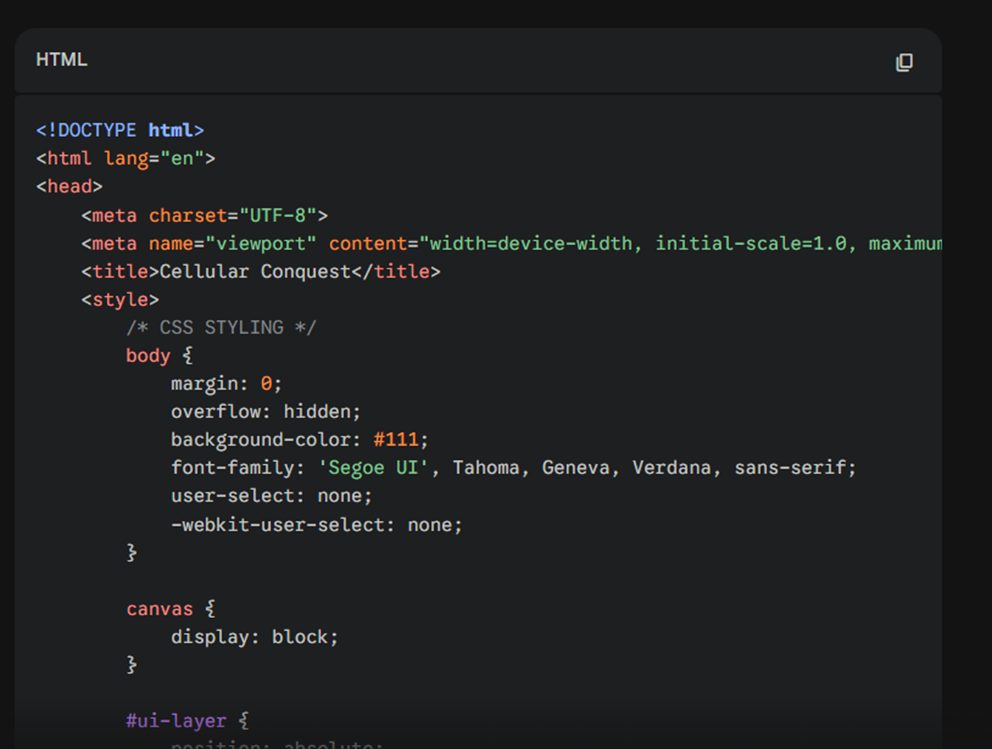
In this image, you can see how Gemini starts generating the code.
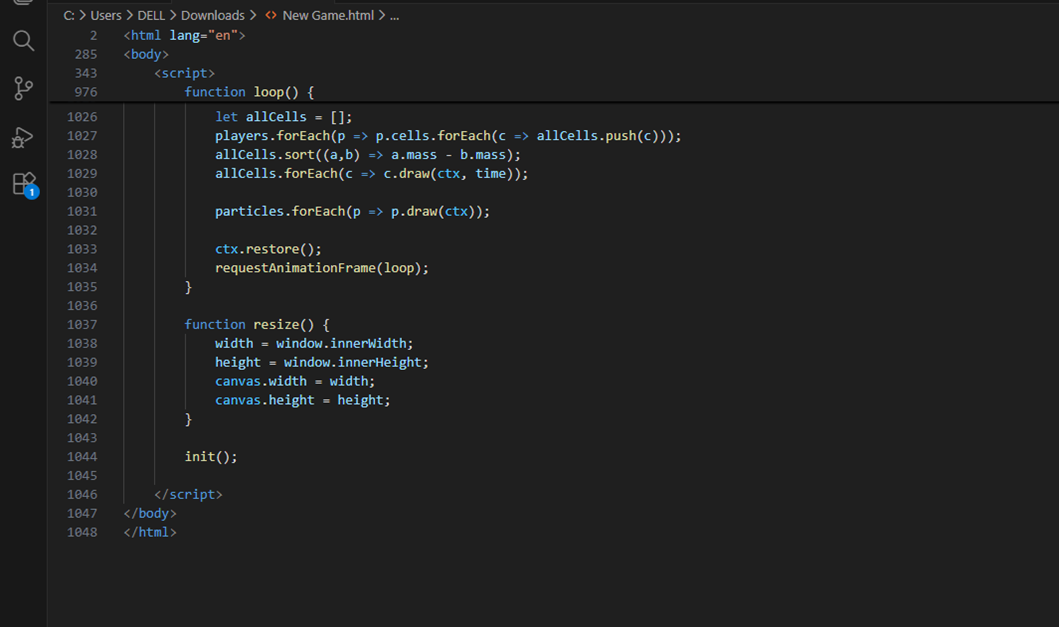
From Visual Studio Code, we saved the provided code as an HTML file, which, by the way, ended up being over 1,000 lines of code after removing the spaces. Then we ran it in the default browser, in this case Google Chrome.
Writing all these lines of code would definitely have taken many hours, days, or even weeks for someone just starting in programming.
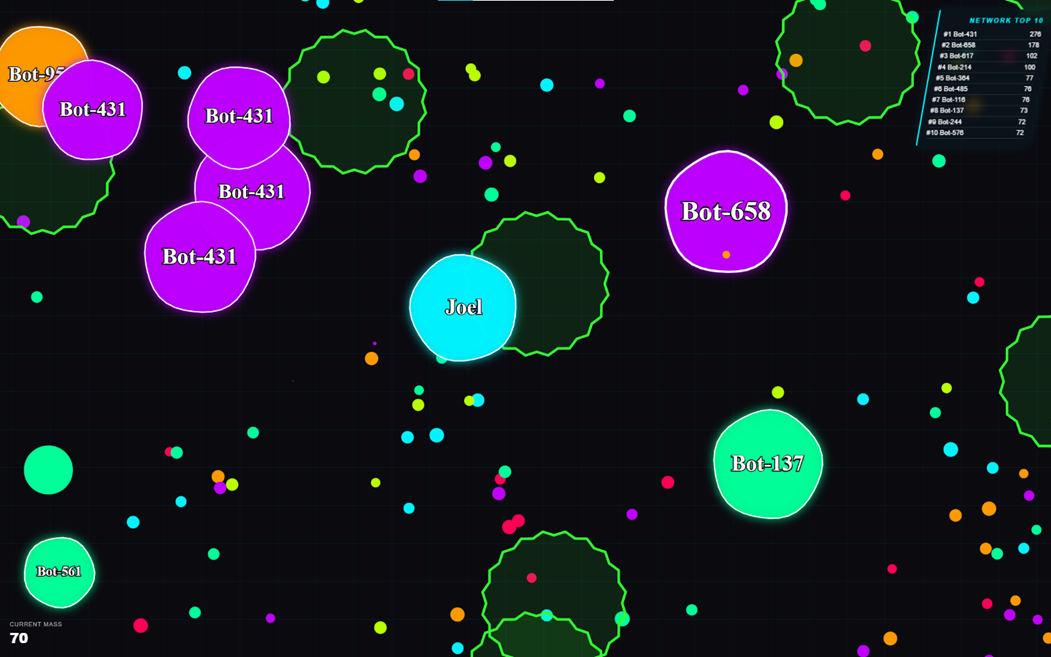
This was the final result. The AI generated a version very similar to the game we had in mind; this was exactly what we wanted to show the potential of AI and how it has drastically improved in code generation. Once again, this is just an example; with your own ideas, you can create much more complex projects.
In a single prompt, Gemini AI was able to create design, logic, physics, interactive controls, a loading screen, collision system, and scoring system. With enough time, you can take this to the next level, even with a very low level of programming.
The only limit is your imagination, the AI does the work so you can make your ideas a reality.
We are influencers and brand affiliates. This post contains affiliate links, most which go to Amazon and are Geo-Affiliate links to nearest Amazon store.

My name is Joel! I love to read, I go to university like most people my age.
In my free time I usually train boxing, I love music, I also know how to play the guitar and the harmonica.