
We are influencers and brand affiliates. This post contains affiliate links, most which go to Amazon and are Geo-Affiliate links to nearest Amazon store.
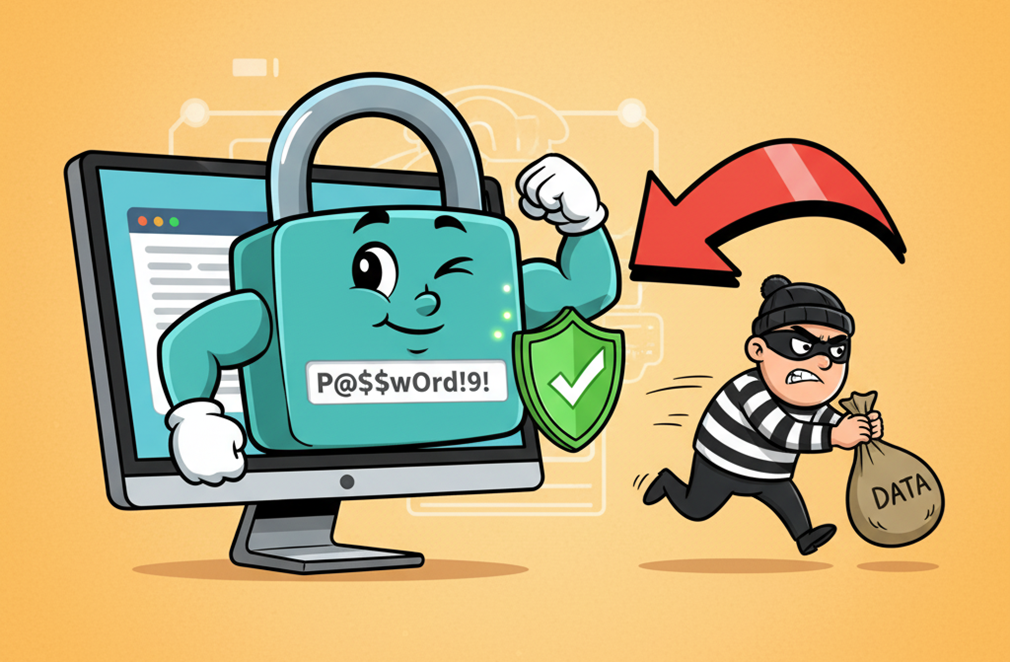
Protecting your personal accounts with strong passwords should be a basic rule that everyone follows. Unfortunately, many people rely on simple passwords, which is understandable since long ones can be hard to remember. However, you don’t actually need to memorize your password, doing so could backfire, because if you forget it, you might have trouble regaining access to your accounts.
A secure password should be at least 12 characters long and include a mix of letters, numbers, and symbols. Many people still use their own name or surname as a password, which, while convenient, is the kind of thing that would make any hacker smile.
So, if you want to create a strong password, keep reading. We’ll show you a website that lets you generate a random password with up to 50 characters. We’ll also give you some extra tips, because having a strong password doesn’t mean your account is completely safe if you aren’t careful while browsing the internet.
Avast Random Password Generator
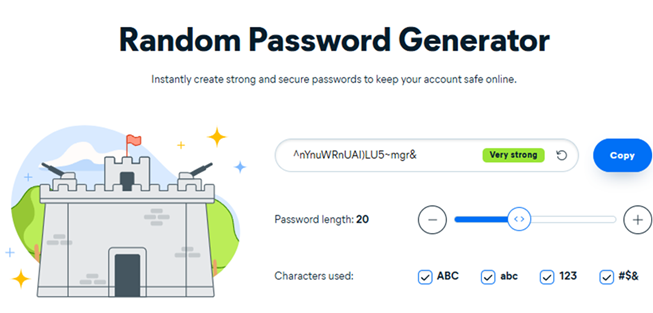
Avast, a well-known company recognized for its antivirus software, knows exactly how to protect vulnerable users. Avast also offers its own random password generator, which you can use to create highly secure passwords that can withstand brute-force attacks from cybercriminals.
This password generator lets you create strong passwords using letters, a mix of uppercase and lowercase characters, numbers, and symbols. Everything is generated randomly through algorithms, which means it’s impossible for anyone to guess it using software.
For example, a random 20-character password generated with this tool can have about 2×10²⁸ possible combinations (if it only uses lowercase letters) or up to 3×10³⁹ combinations (if it uses all printable characters). You can also use a secure password manager like Bitwarden, which uses end-to-end AES-256 encryption, the same standard used by banks and government institutions.
If you’d like to create your own password using Avast’s random password generator, click here to visit the official page.
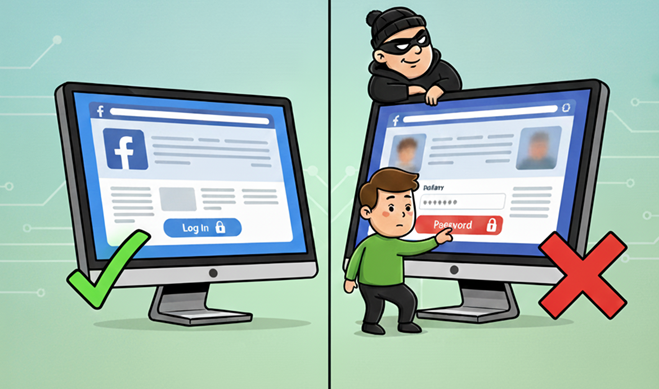
It’s important to remember that even the strongest password is useless if you browse the internet carelessly. Some precautions you should take include making sure you are on an official website and avoiding the use of the same password for multiple accounts.
Many malicious websites create identical copies of popular login pages. If you fall for one of these, a hacker might try to access your account without your consent and that applies not only to social media but also to email accounts and, in the worst cases, your bank accounts.
For instance, you might receive a very convincing email claiming to be from your bank, saying you’ve won a prize or that your access has been temporarily blocked. In 99.9999% of cases, it’s a scam, and very likely an attempt at phishing to steal your confidential information.
So, always verify that you’re on an official website. Also, avoid downloading files from questionable sources, as they can compromise your computer’s security. I speak from experience, a year ago, I temporarily lost access to both my email accounts and my Steam account. Even though I had strong passwords, one careless mistake made me vulnerable. Fortunately, I was able to recover them quickly.
Remember: if something sounds too good to be true, it probably is!
We are influencers and brand affiliates. This post contains affiliate links, most which go to Amazon and are Geo-Affiliate links to nearest Amazon store.

My name is Joel! I love to read, I go to university like most people my age.
In my free time I usually train boxing, I love music, I also know how to play the guitar and the harmonica.