
We are influencers and brand affiliates. This post contains affiliate links, most which go to Amazon and are Geo-Affiliate links to nearest Amazon store.
Today at Dragon Blogger we will show you how easy it is to create a website using advanced tools without knowing how to program or write a single line of code. All of this is possible thanks to recent advances in artificial intelligence, especially from Google, whose Gemini AI assistant has significantly improved its models.
What do you need to create a website with Gemini?
All you need is a computer and an internet connection. The rest will be handled by the AI. Of course, you also need a bit of creativity to come up with a good idea, but the AI can even help you with that if you are not sure how you want your website to look.
The first step is to open the Gemini webpage, which you can do by clicking here. Gemini is free, but it offers an optional paid upgrade, which grants access with fewer limits, especially to the more powerful models (although some of these can still be used for free).
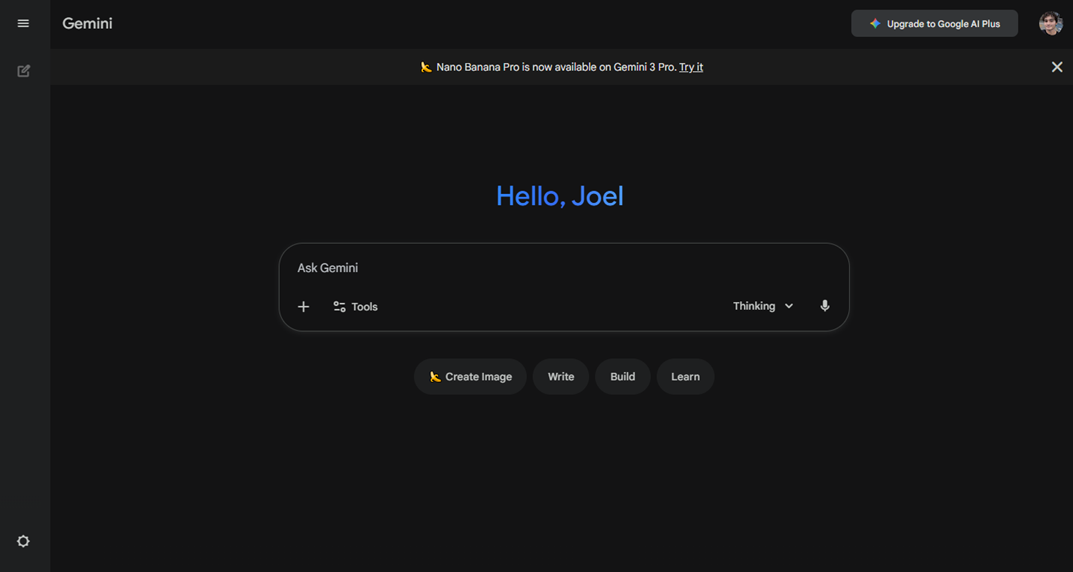
Once you access the Gemini assistant, you can use its basic features without creating an account. However, we recommend signing up for free to access image generation and limited tests of the “Gemini 3 Pro” mode, a model that allows the AI to analyze information more deeply before responding.
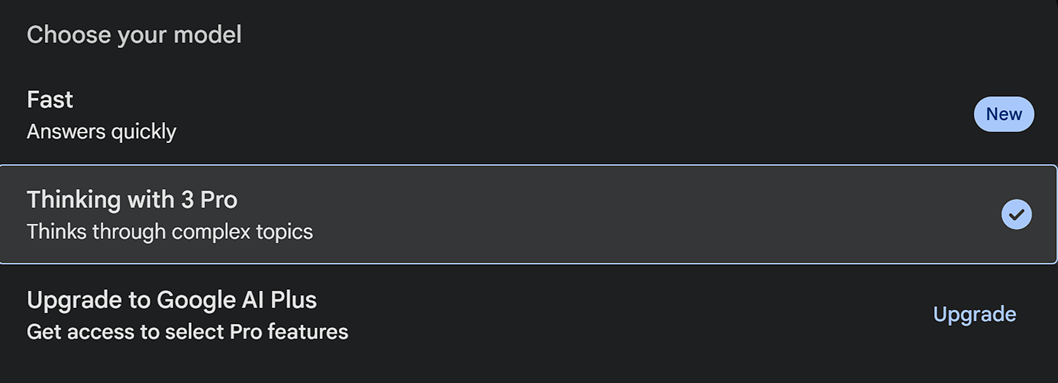
There are two modes: Fast and Gemini 3 Pro. However, the fact that the second one is more advanced does not mean it is the best for every task. Gemini 3 Pro takes more time to analyze and respond, so it may be less efficient for quick or everyday tasks like answering simple questions.
When it comes to building a website, it is ideal to use Gemini 3 Pro, which uses better reasoning methods and therefore generates cleaner code with a lower chance of technical errors.
For our test, we will create a Pomodoro, a tool used to improve focus when studying or working. We will show you how, in less than 2 minutes, the AI will build advanced, ready-to-use code. This does not mean everything will be perfect, but it will be fully functional. You can always ask the AI to correct any issues.
How to write a good prompt
A prompt is a way to give instructions to the AI clearly and efficiently so it understands exactly what you want to do. For example, you could say: “Create a Pomodoro using HTML format and give me all the code.” Yes, the AI could do it without any issues. However, if you provide more precise and detailed instructions, the AI will generate a more accurate and polished result.
To get a polished and functional output, your prompt should be clear and include three key elements. First, specify the Objective (the task you want done). Then define the Specifications (the style, tone and format you want). Finally, set the Limits or restrictions (such as length or whether it should be in a single file).
You can also ask the AI to create the prompt for you by explaining as clearly as possible what you want. The AI will create a good prompt before generating the code.
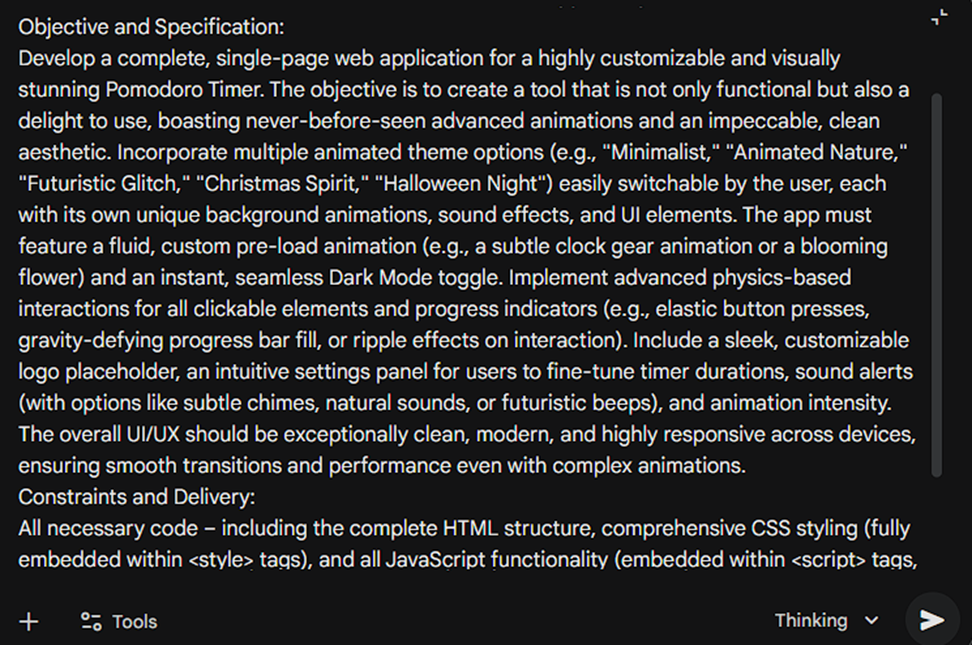
This is part of the prompt we used to generate the Pomodoro.
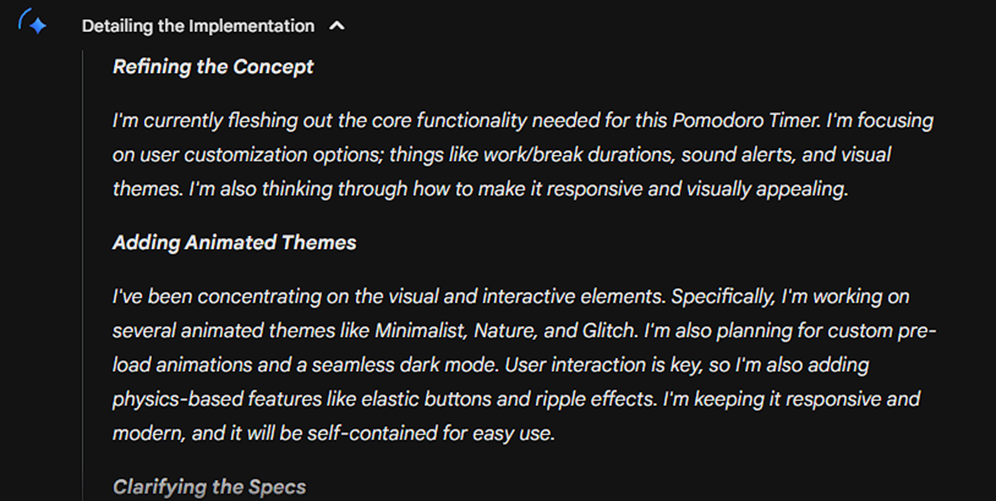
If you use Gemini 3 Pro, it will begin analyzing the prompt to choose the best building ideas. Once Gemini finishes its reasoning, it will start generating the code.
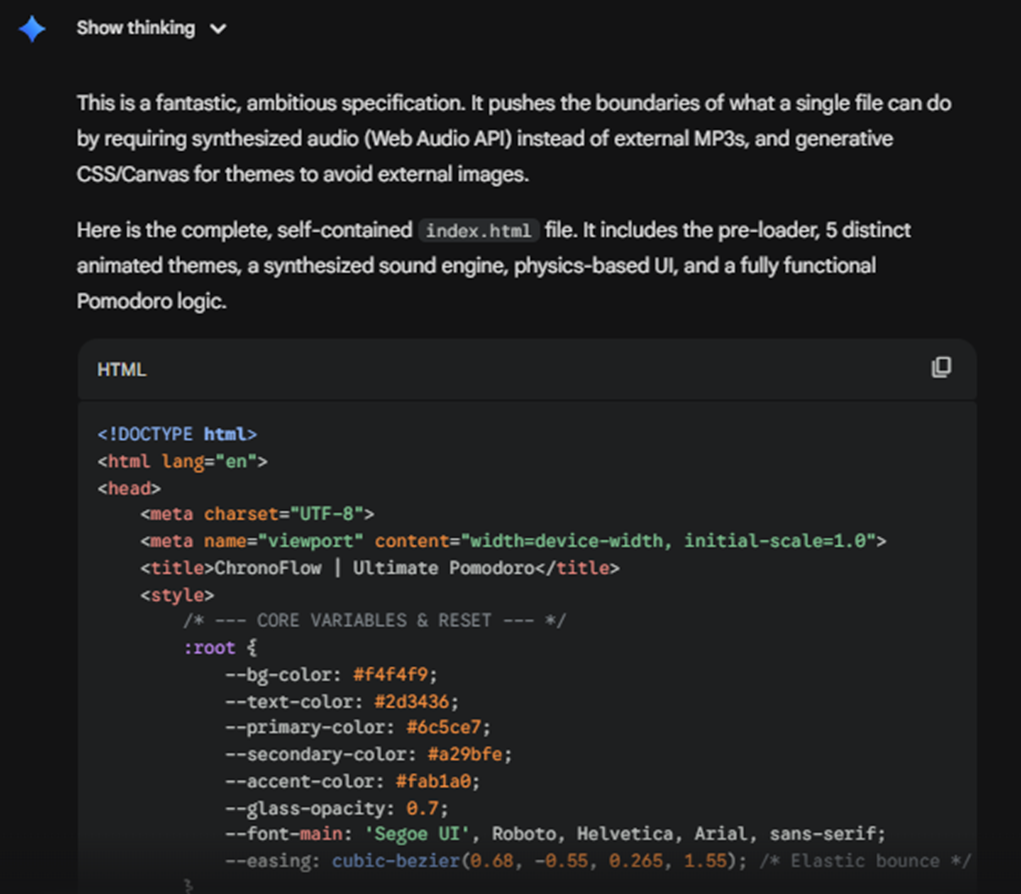
How to preview the code
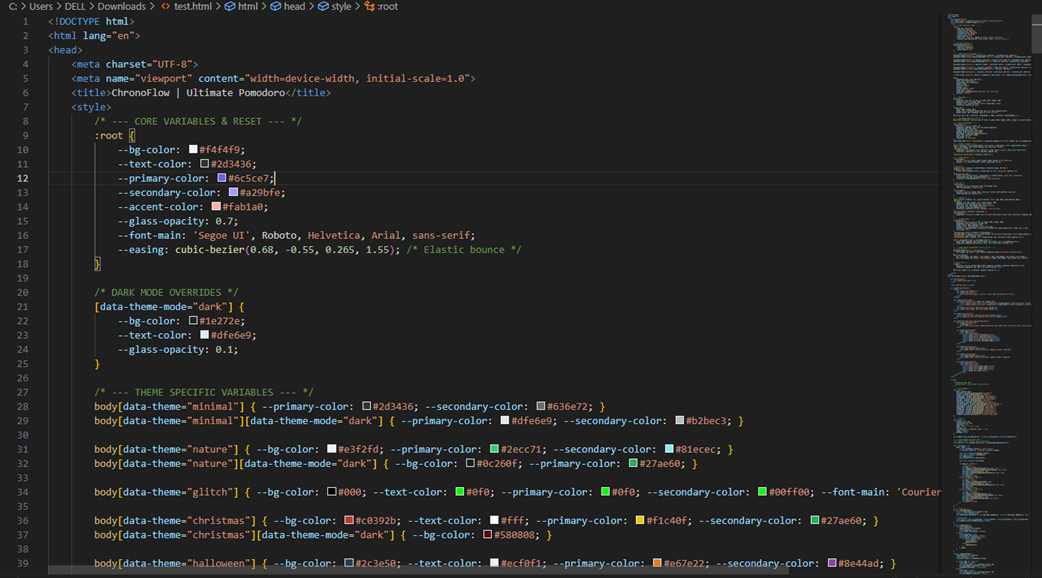
To correctly view the result of the code generated by Gemini, you can use an online HTML editor like W3Schools or, as in our case, Visual Studio Code, a free code editor created by Microsoft. If you choose the second option, simply save the code as an HTML file in any local folder you like, then open the saved file and it will run locally in your default browser.
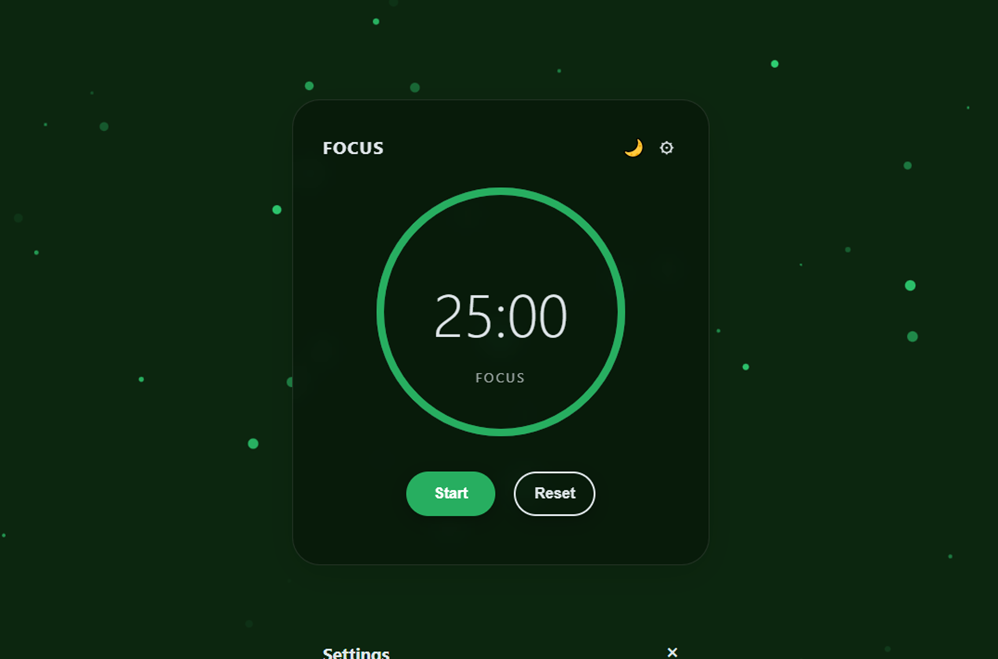
This is how, in less than 2 minutes, we generated more than 400 lines of code, something that would take a programmer much longer than 2 minutes. It is a simple Pomodoro, but it can be improved easily. This is only a test to show you what is possible.
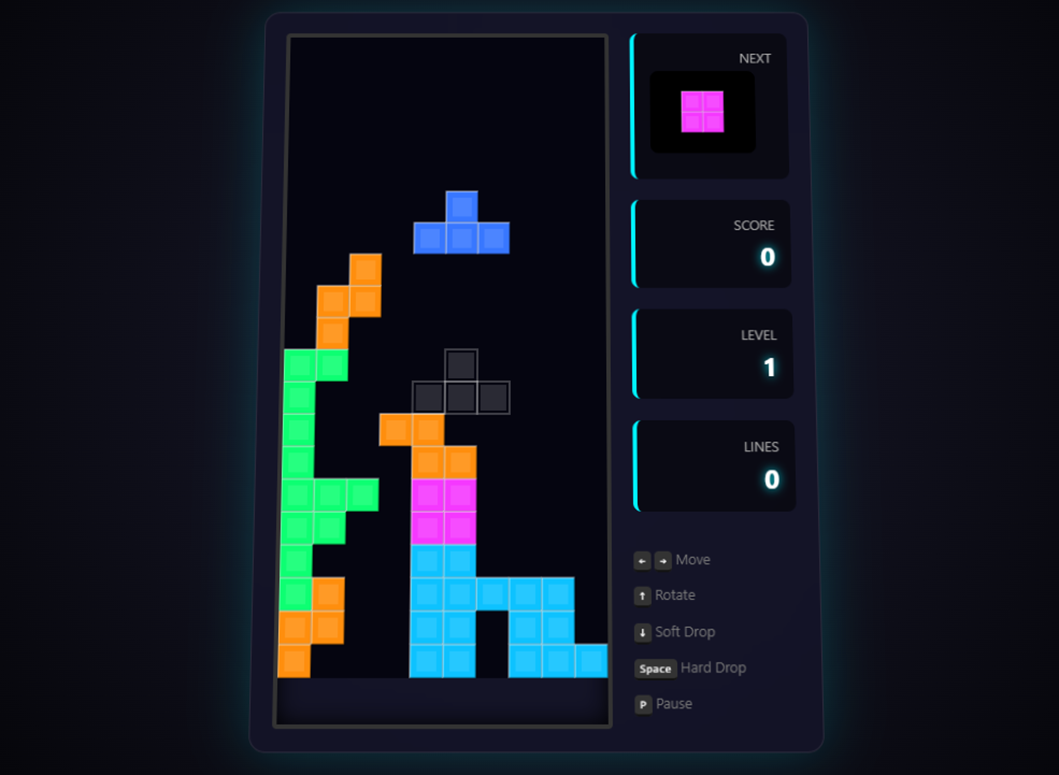
Here is another small example of what Gemini can do. We had the AI generate a playable version of Tetris with a visual system and integrated physics (movement, controls, scoring and levels). Again, this is only to give you an idea of the potential you can unlock with Gemini if you have a good idea.
How to publish it online
This is the most important step if you want others to see your creations from anywhere in the world. The most recommended approach is to pay for your own domain and hosting so it is more appealing to search engines. However, for a personal project you want to share with friends, you can save it in a GitHub directory and then publish it for free on Netlify, a web development platform. I have done this several times for small projects and it works very well.
It only takes a few minutes and is free for small projects, although in the long term we recommend upgrading to a professional plan with your own domain using alternatives like Vercel or GitHub Pages, which offer simple integration and solid performance.
We are influencers and brand affiliates. This post contains affiliate links, most which go to Amazon and are Geo-Affiliate links to nearest Amazon store.

My name is Joel! I love to read, I go to university like most people my age.
In my free time I usually train boxing, I love music, I also know how to play the guitar and the harmonica.