
We are influencers and brand affiliates. This post contains affiliate links, most which go to Amazon and are Geo-Affiliate links to nearest Amazon store.
AI videos have become incredibly popular on social media, so much so that some even look real. The truth is there are all kinds of videos, some absurd and others highly realistic; in general, there is something for everyone. But have you ever wondered how these videos are made?
There are many ways to generate videos with AI, but most of them are paid options. For example, the most powerful video generation model, Veo 3.1 (developed by Google), requires a mandatory subscription, which can be disappointing for anyone who wants access to this technology but cannot afford it.
However, there are still free options, and in our opinion, the best video generator is Grok. It is limited to a maximum of 8 seconds per video and has some daily creation limits for now.
The first step is simply to go to the official Grok website, although you can also download the free app on iOS and Android. Once there, log in or sign up for free.
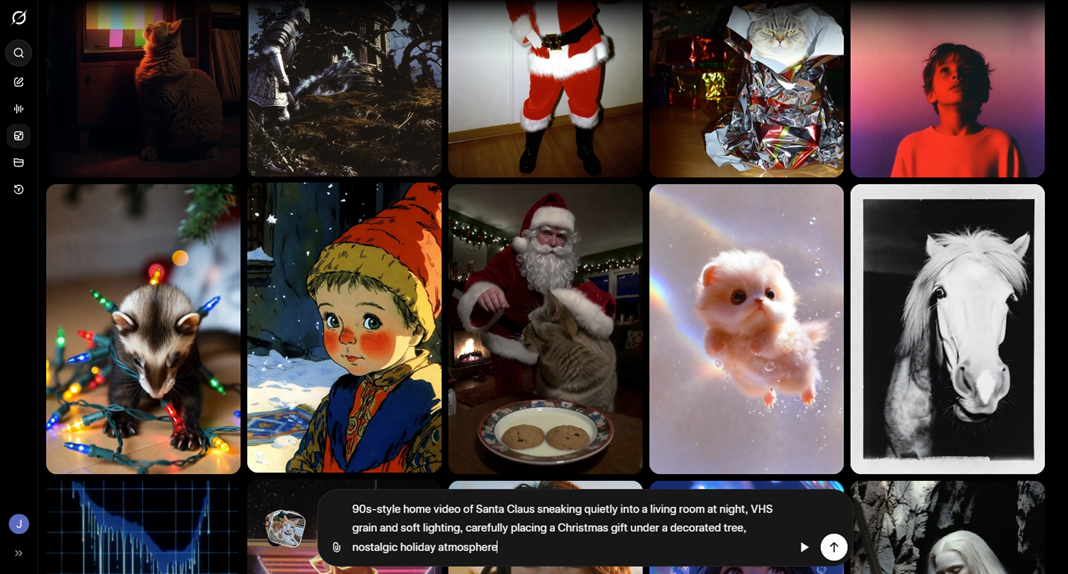
To generate a video, go to the “Imagine” section, which is the fourth option in the left-hand interface. This section lets you generate both images and videos. Once there, you can see a huge number of videos created by other users; many of them are amazing, and this is where the magic begins. In our case, we had the AI create a 90s-style video of Santa Claus delivering a gift in a Christmas living room.
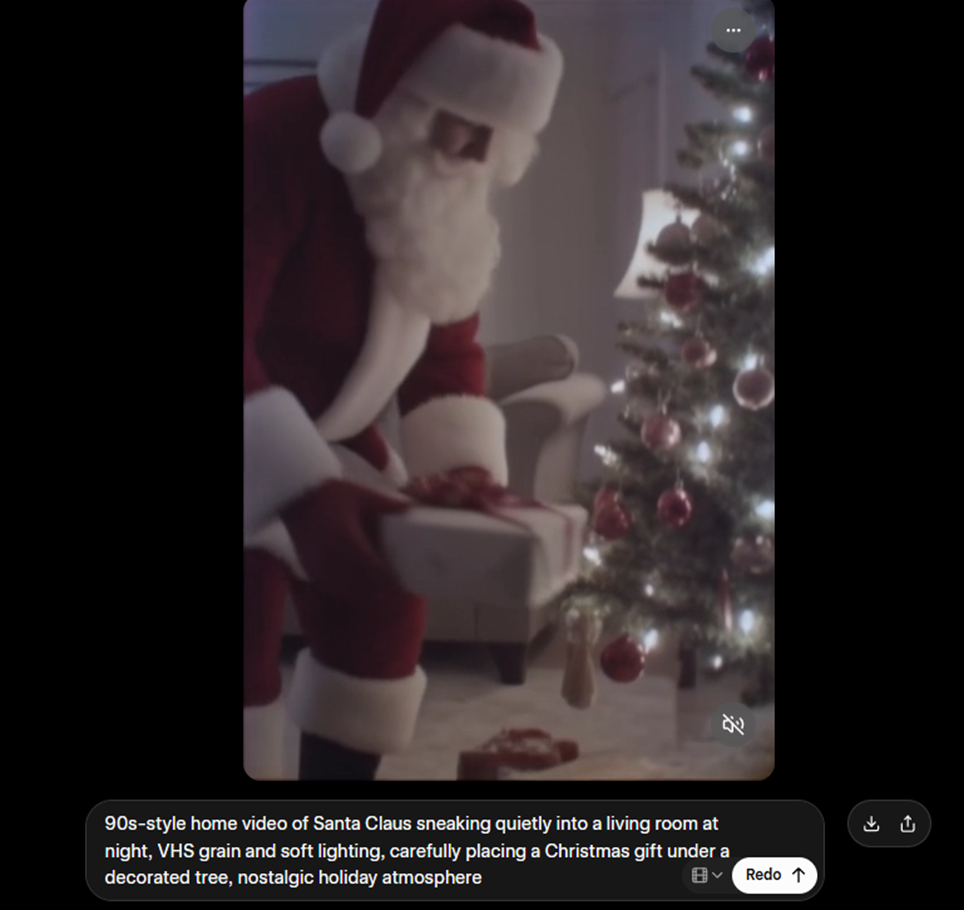
The result was simply incredible. The best part is that there is no watermark, which can be annoying when you want to share it on social media. This is just one example of what you can create with Grok. This was a fairly realistic video, but you can also make animated-style videos. And by the way, you can add human voices if you include that in the prompt.
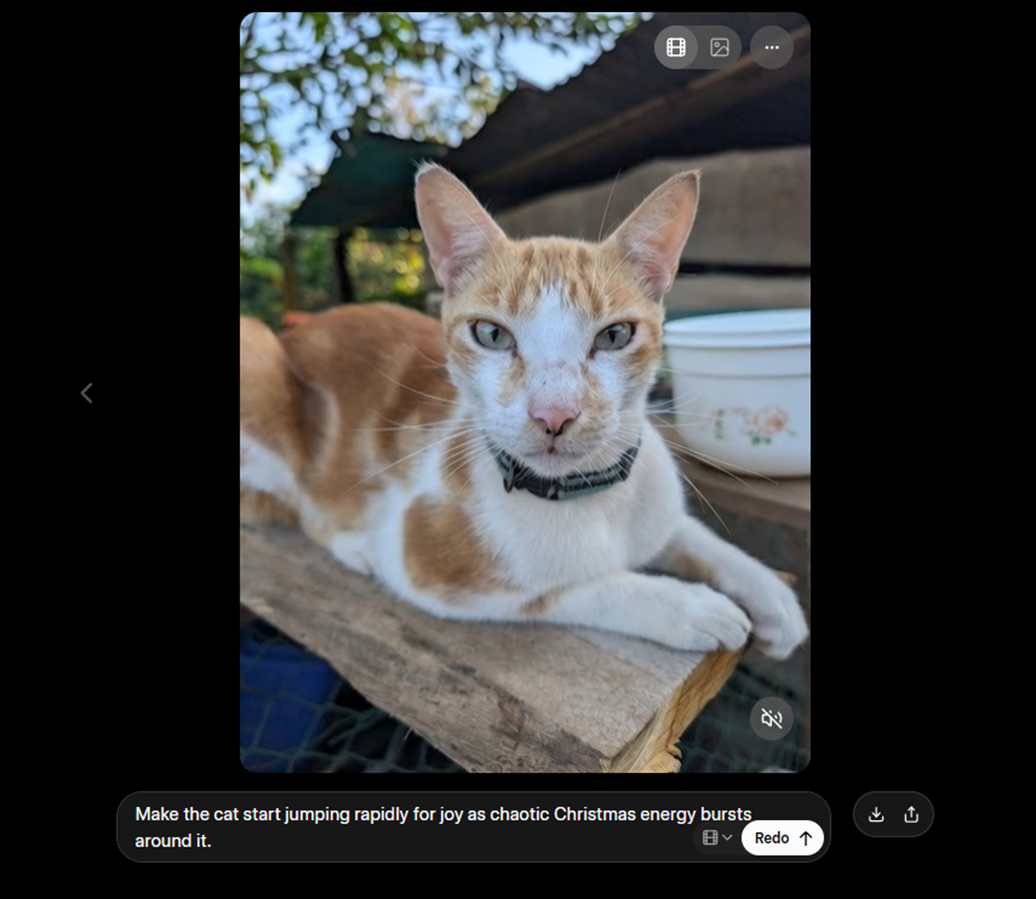
Another option users have is to generate a video from an existing image. As you can see, I uploaded a photo of my cat to test this feature. I added a basic prompt about what I wanted and then waited about 20 seconds for Grok to generate the video.
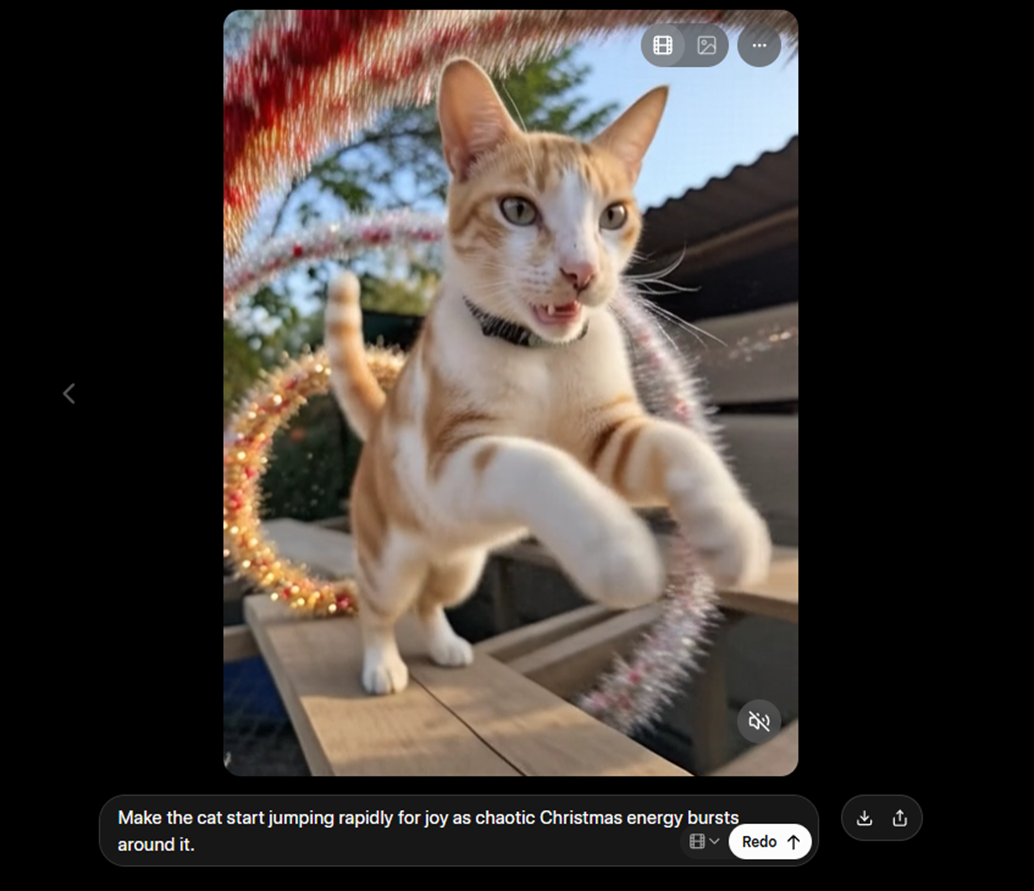
The result was quite funny. It’s great to have two options available: creating from scratch or from an image/photo.
What are you waiting for to create your own AI videos? Visit Grok today!
We are influencers and brand affiliates. This post contains affiliate links, most which go to Amazon and are Geo-Affiliate links to nearest Amazon store.

My name is Joel! I love to read, I go to university like most people my age.
In my free time I usually train boxing, I love music, I also know how to play the guitar and the harmonica.