
We are influencers and brand affiliates. This post contains affiliate links, most which go to Amazon and are Geo-Affiliate links to nearest Amazon store.
Using a VPN can provide many benefits, especially when it comes to security. So, if you have never used a VPN before and want to improve your privacy and encrypt your connection while browsing the internet, you are in luck, because today at Dragon Blogger we will show you how to install and use a VPN in Chrome.
Although many VPNs are paid, which is usually the best option for those looking for better performance and fewer limitations, it is still possible to find some good free options with minimal restrictions.
For example, today we will introduce one of the top-rated VPNs that, while offering a full paid version, also provides a free mode that only requires email registration and is limited to 10 GB of data per month.
What are the benefits of a VPN?
- Online privacy protection
- Data encryption
- Access to geo-blocked content
- Security on public Wi-Fi networks
- Hiding your IP address
- Preventing tracking and monitoring
- Avoiding internet censorship
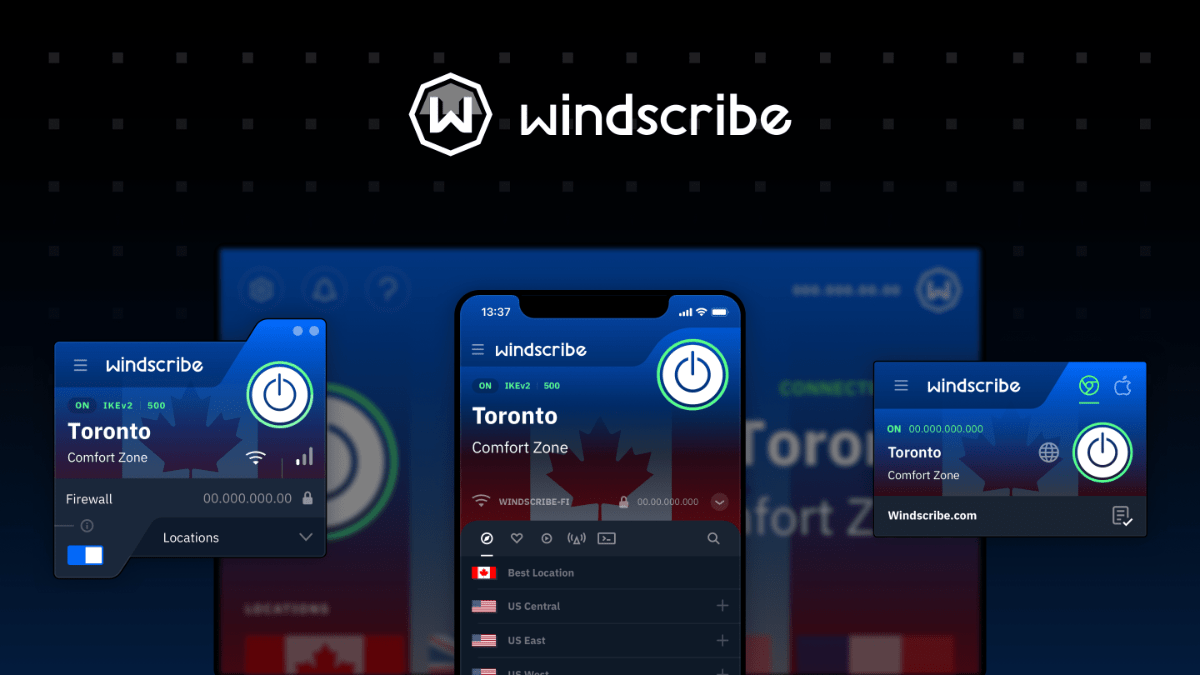
Our recommendation is Windscribe, a VPN service with more than 2 million users on Chrome. It is very easy to download. Just go to the Chrome Web Store and search for the free “Windscribe” extension, then install it.
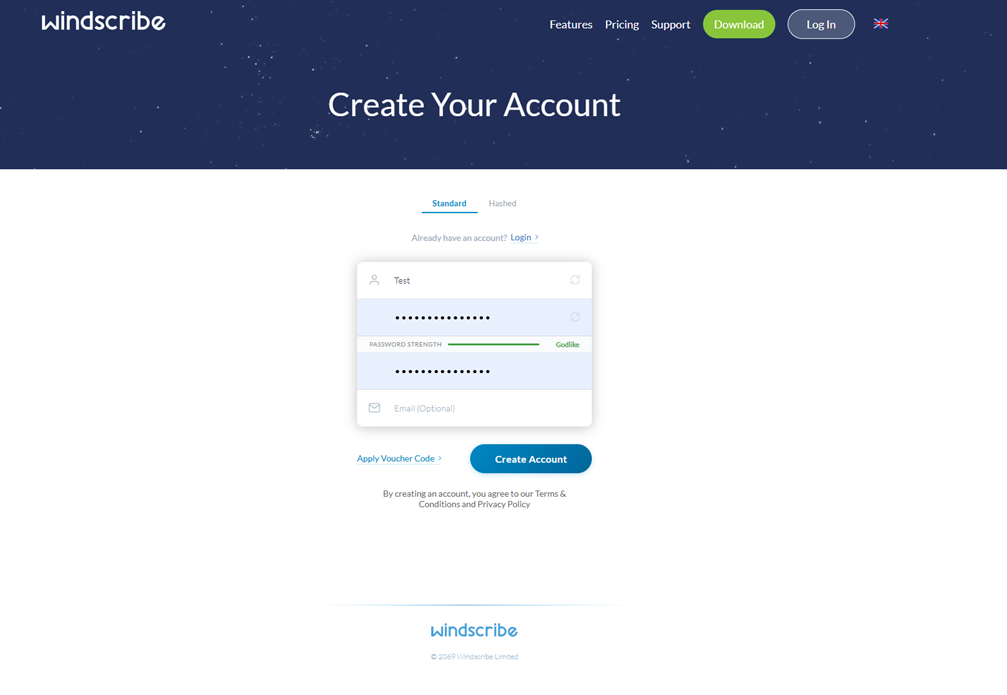
Once you open it for the first time, create a new account using the registration form that Windscribe provides for new users.
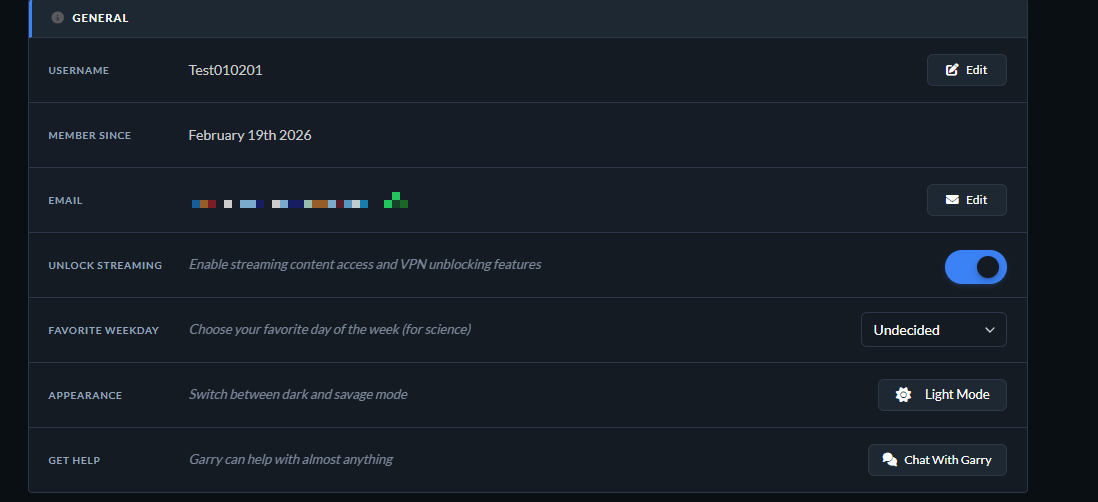
To get free access to the 10 GB of data, you simply need to verify your email. In my case, it was already verified, but next to your email address it should show that verification is still pending. Just go to your inbox and confirm the verification message that Windscribe sends you.
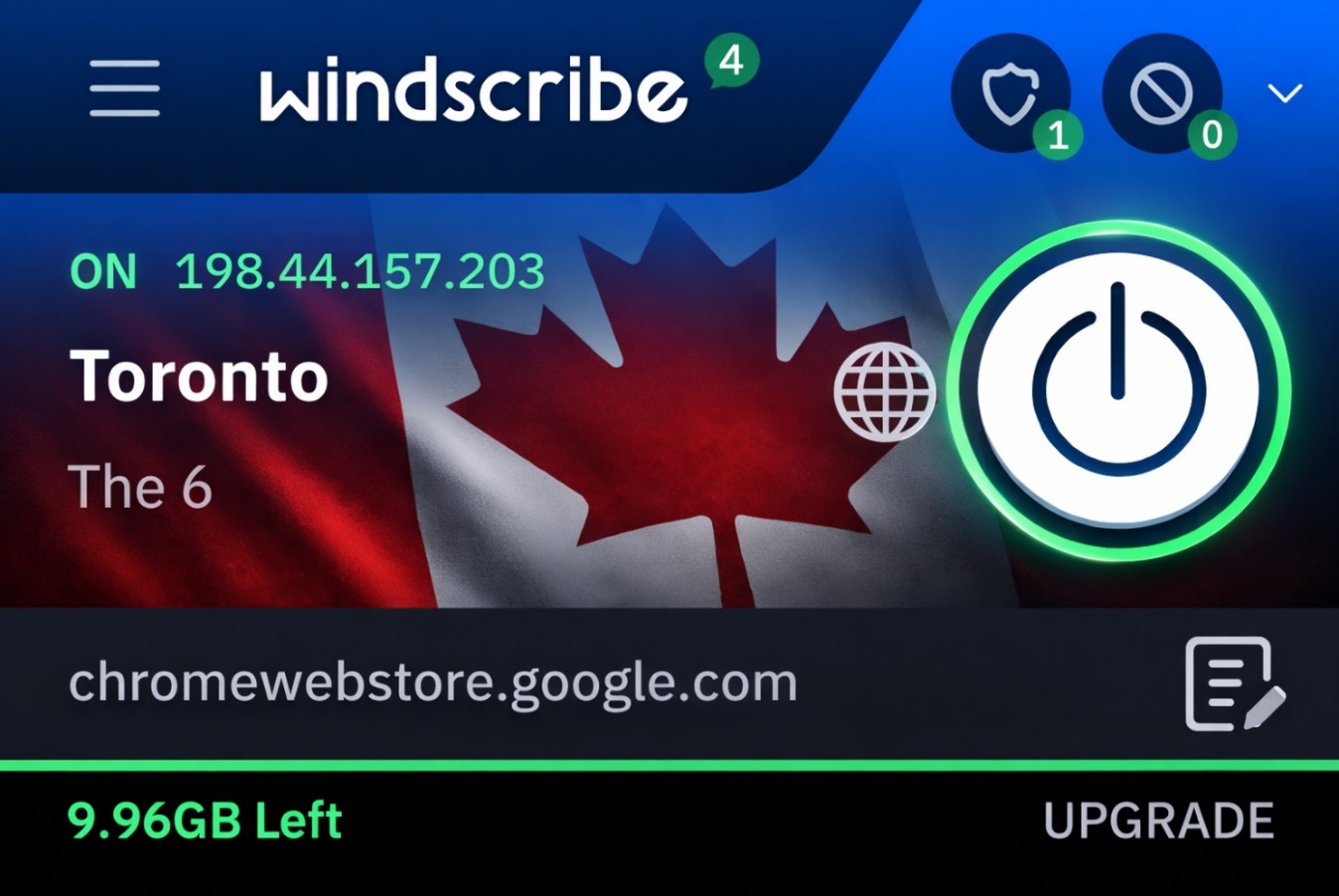
After that, you can configure the VPN. In our case, we set the VPN location to Toronto, Canada, and it worked very well. There are many countries available, but they are limited in the free mode. So you can test it yourself and decide whether it is worth upgrading to a paid plan to unlock all features and browse without data limits.

A few days ago, Windscribe published a humorous and satirical video on YouTube about the supposed dangers of using a VPN on the internet. It is worth watching because it is a fun and ironic way to learn about the benefits of a VPN, especially for freedom of expression and everyday situations that many of us have experienced, where a VPN could have helped.
Using a VPN can be very useful, although it is not necessary all the time and, for most people, it is not essential. It also has some drawbacks, such as server errors or websites that block VPN traffic. However, its benefits in terms of security and freedom of expression usually outweigh the disadvantages.
Avoid unlimited free VPNs, as they often have security issues. Windscribe is a very good option. It offers a free plan with limited data, but it is still robust and reliable for users.
We are influencers and brand affiliates. This post contains affiliate links, most which go to Amazon and are Geo-Affiliate links to nearest Amazon store.

My name is Joel! I love to read, I go to university like most people my age.
In my free time I usually train boxing, I love music, I also know how to play the guitar and the harmonica.