
We are influencers and brand affiliates. This post contains affiliate links, most which go to Amazon and are Geo-Affiliate links to nearest Amazon store.
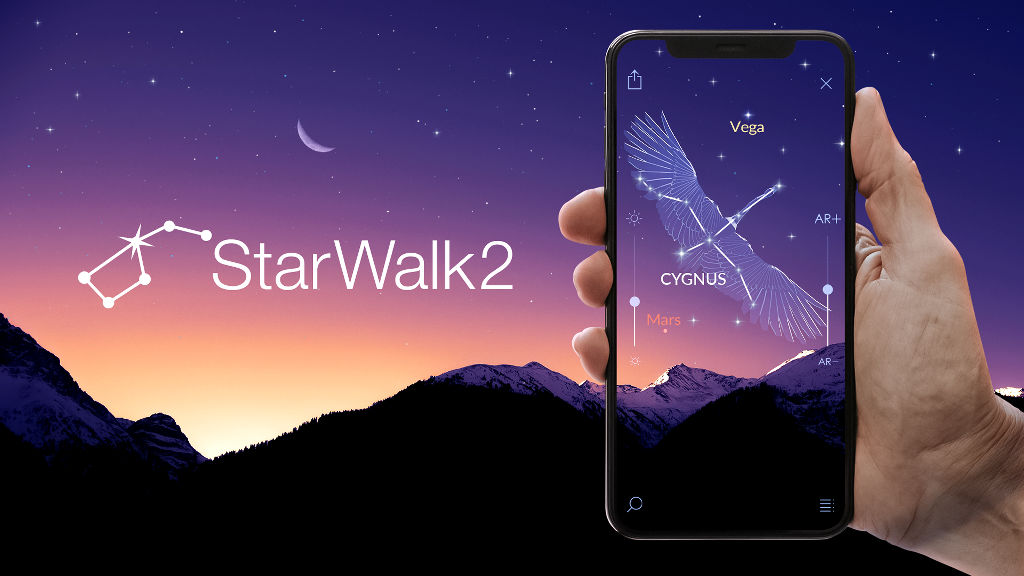
Although it is possible to locate planets with the naked eye, such as Mars, Jupiter, and Saturn, it can be a bit difficult for some people because of the enormous number of stars visible in the night sky.
Just by looking at the sky from one location during the night and under good conditions with low light pollution, it is possible to see more than 2,500 stars without using a telescope. That number can increase to hundreds of thousands or even millions of stars if you have a powerful telescope.
However, you may be surprised to learn that there is a free app that allows you to search for planets, stars, constellations, and even distant objects such as galaxies.
To do this, you simply need to use Star Walk 2, available for both iPhone and Android, and it can be downloaded for free from their respective app stores.
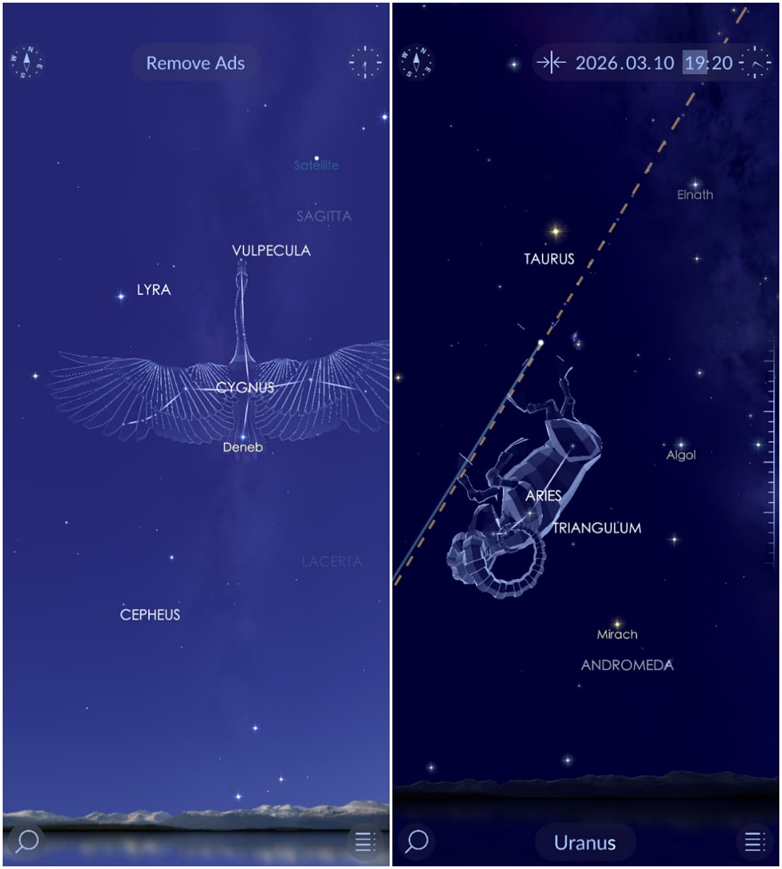
Once inside the app, you only need to configure your location so it can accurately determine the position of objects in the night sky. The first time you open it, you may be prompted to subscribe or purchase the full lifetime version of Star Walk 2. Honestly, it is worth it, but it is not required.
After that, you can start exploring the night sky simply by moving around depending on where you want to look. However, what is truly great about Star Walk 2 is that it allows you to activate your phone’s digital compass so you can know exactly where you are pointing.
Just press the compass located in the upper left corner. Once you do this, you will notice that the information displayed in Star Walk moves according to where you point your phone, so you can easily know exactly where the planets, stars, constellations, and more are located.
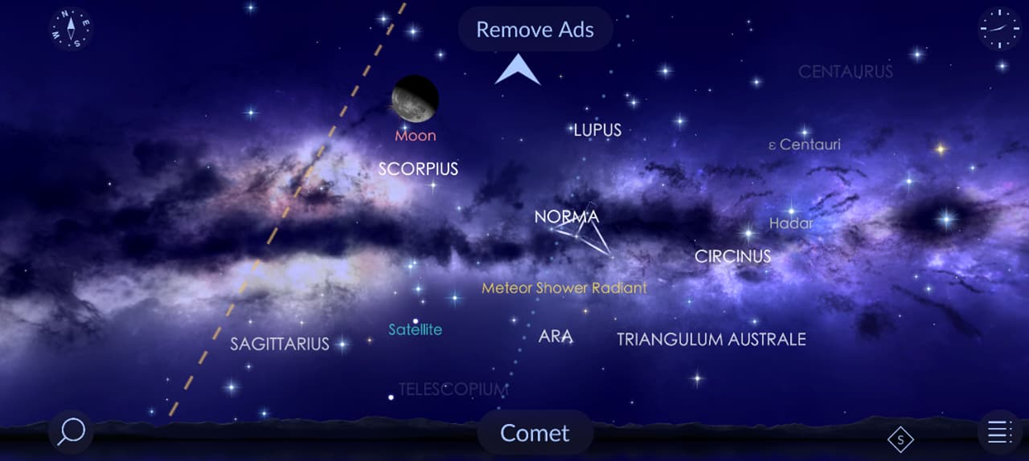
By the way, Star Walk 2 also supports horizontal mode in case it feels more comfortable to use. In this image you can see the huge number of objects that can be located with the help of Star Walk 2, including satellites.
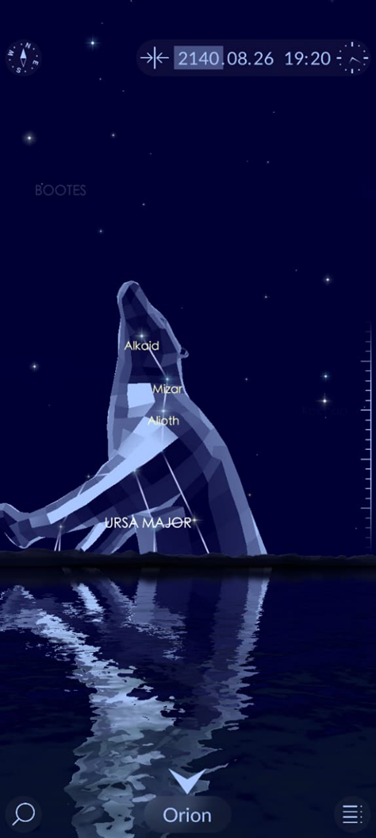
The time can also be adjusted. Basically, you can move forward or backward in time to see the exact position where the planets or any star will be. I may not be alive in 2140, but at least I will know where Mars will be on August 26, 2140.
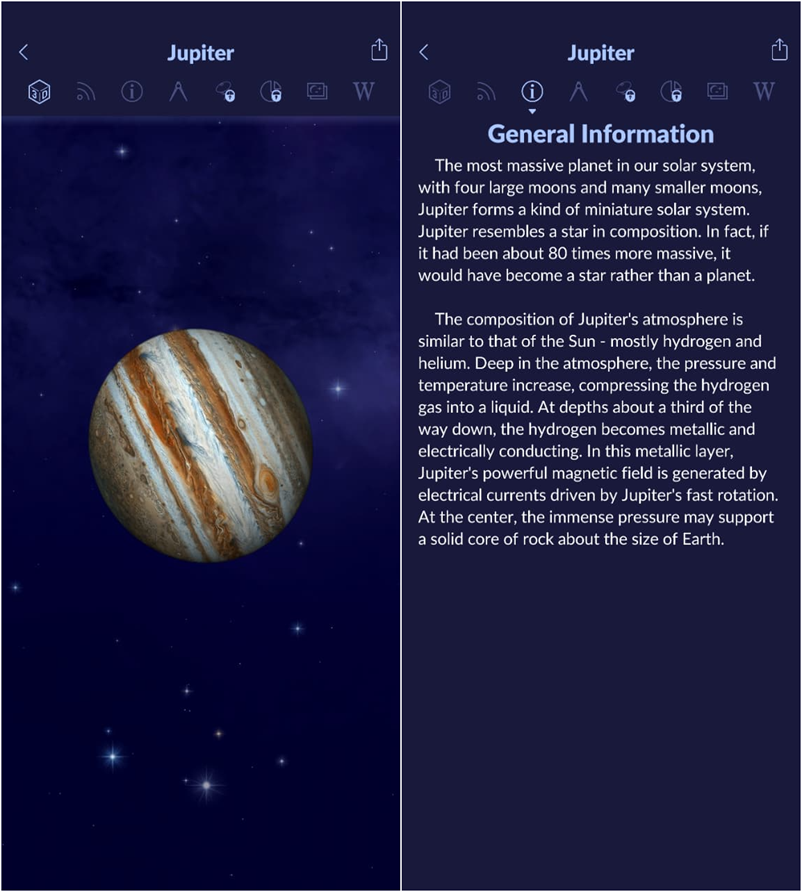
A large number of night sky objects shown in Star Walk 2 include detailed information and a precise 3D model. For example, here is an interesting fact about Jupiter, the largest planet in the solar system. It is so massive that if it were hypothetically more massive, it could become a star.
Is it worth upgrading to a paid plan in Star Walk 2?
Yes. There are usually many discounts available in Star Walk 2, so if you have the opportunity and want to support the developers, you might consider paying for a monthly or yearly subscription. The weekly plan costs around $1 and sometimes the lifetime version can cost less than $4 if you find it on sale.
By upgrading to a premium account, you get access to real time satellite tracking, the International Space Station, nebulae, and galaxies. In addition, the amount of information increases compared to the free version.
That’s it. Now you know how to locate planets and stars from an iPhone or any Android phone.
We are influencers and brand affiliates. This post contains affiliate links, most which go to Amazon and are Geo-Affiliate links to nearest Amazon store.

My name is Joel! I love to read, I go to university like most people my age.
In my free time I usually train boxing, I love music, I also know how to play the guitar and the harmonica.