
We are influencers and brand affiliates. This post contains affiliate links, most which go to Amazon and are Geo-Affiliate links to nearest Amazon store.
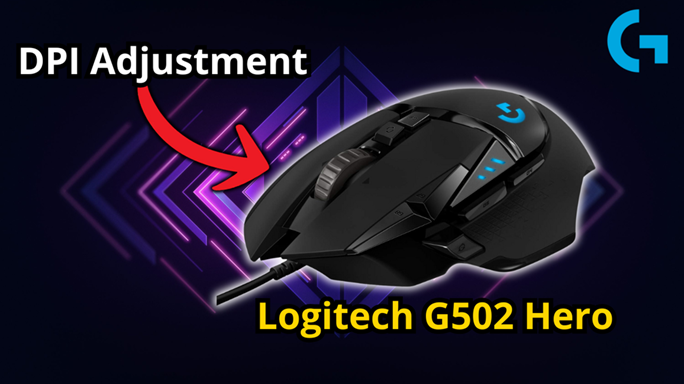
Today on Dragon Blogger, we bring you an article that may seem simple for some, but for new users of Logitech devices, it can be really helpful. We are talking about how to adjust the DPI level on a Logitech mouse, which requires using the Logitech G Hub software.
What is DPI?
DPI stands for dots per inch, and in the case of a mouse, it refers to how sensitive the cursor is when moving across the screen. A lower DPI setting means slower sensitivity, while a higher DPI setting means faster sensitivity. However, higher sensitivity can also mean less precision.
Everyone is different, so there is no perfect DPI setting. Fortunately, Logitech mice allow you to customize the DPI level according to your preferences instead of relying on fixed settings that may not suit you. You can download the Logitech G Hub software directly from the official Logitech website.
In our test, we used the Logitech G502 HERO, one of the best wired gaming mice. This mouse allows us to choose and program up to five different DPI levels that can be switched using one of the buttons on the mouse.
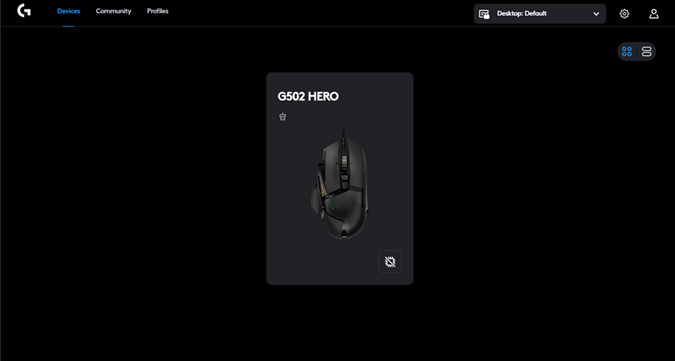
Once you open the program, your Logitech devices will be detected automatically. In our case, it recognized the Logitech G502 HERO mouse.
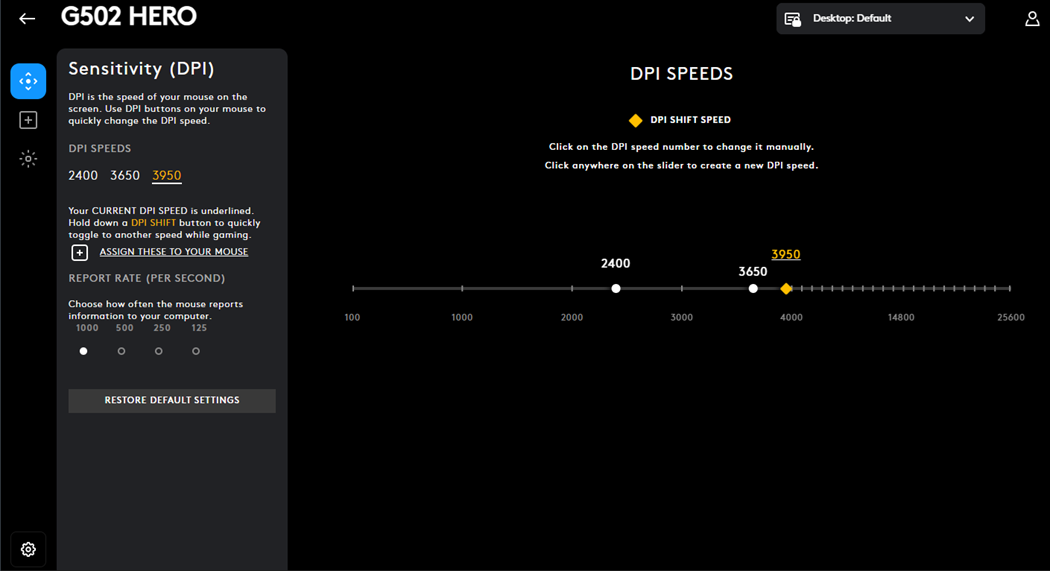
In the image, I show the Logitech G Hub interface in the Sensitivity (DPI) section. This is where I can choose and configure my DPI speeds, which are the different sensitivity levels I activate with a button. This tool lets me set and adjust levels like 2400 or 3950 DPI. As you can see, I have a level close to 4000 DPI programmed, and I consider 4000 DPI to be too high for most uses because it makes precise control difficult.
My recommendation is to try different configurations, but I usually keep it close to 2000 DPI. Logitech allows extremely high levels, like 25,000 DPI, which is basically unusable for everyday tasks unless you have a special superpower. Yes, it is too sensitive, so much that you might not even be able to reset the DPI.
And that’s it! Adjusting the sensitivity (DPI) on a Logitech mouse is really that easy.
Don’t Have One Yet? Pick up the Logitech G502 Hero on Amazon
We are influencers and brand affiliates. This post contains affiliate links, most which go to Amazon and are Geo-Affiliate links to nearest Amazon store.

My name is Joel! I love to read, I go to university like most people my age.
In my free time I usually train boxing, I love music, I also know how to play the guitar and the harmonica.