
We are influencers and brand affiliates. This post contains affiliate links, most which go to Amazon and are Geo-Affiliate links to nearest Amazon store.
Many of you probably have an old SSD or HDD lying around that you no longer use, either because you upgraded to a better one or for any other reason.
If you are running out of storage on your PC or laptop, adding that SSD or HDD can be very useful, for example, to store large files or, in the case of an SSD, even install some games.
As you know, an SSD can handle much higher speeds compared to an HDD, so it works very well for storing and running games, even modern ones.
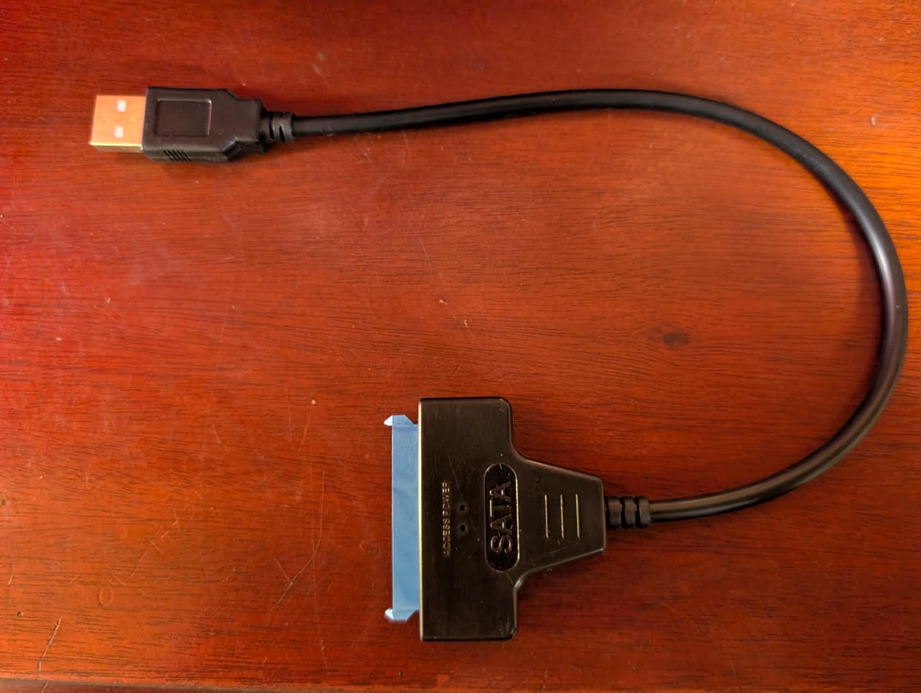
This is the adapter you need to connect your 2.5” SATA HDD or SSD externally through the USB-A port on your PC or laptop. It is commonly known as a SATA to USB-A cable, so it is easy to find online, although less common in local stores.
Most of them are quite cheap, so if you are looking for one that works well, you can go with the EYOOLD adapter on Amazon. It is great because, besides working with USB-A, it also includes a small adapter to convert it to USB-C.
By default, it is important that the USB-A port is 3.0. Many adapters sold online are USB-A 2.0, which offer very slow speeds. Through a USB-A 3.0 port, a SATA SSD can typically run at around 450 MB/s, while on USB-A 2.0 it could be limited to about 60 MB/s or even less.
That is why I recommended the EYOOLD SATA to USB adapter, just to play it safe and avoid any issues, since many manufacturers claim their adapters are USB-A 3.0 when they are not.
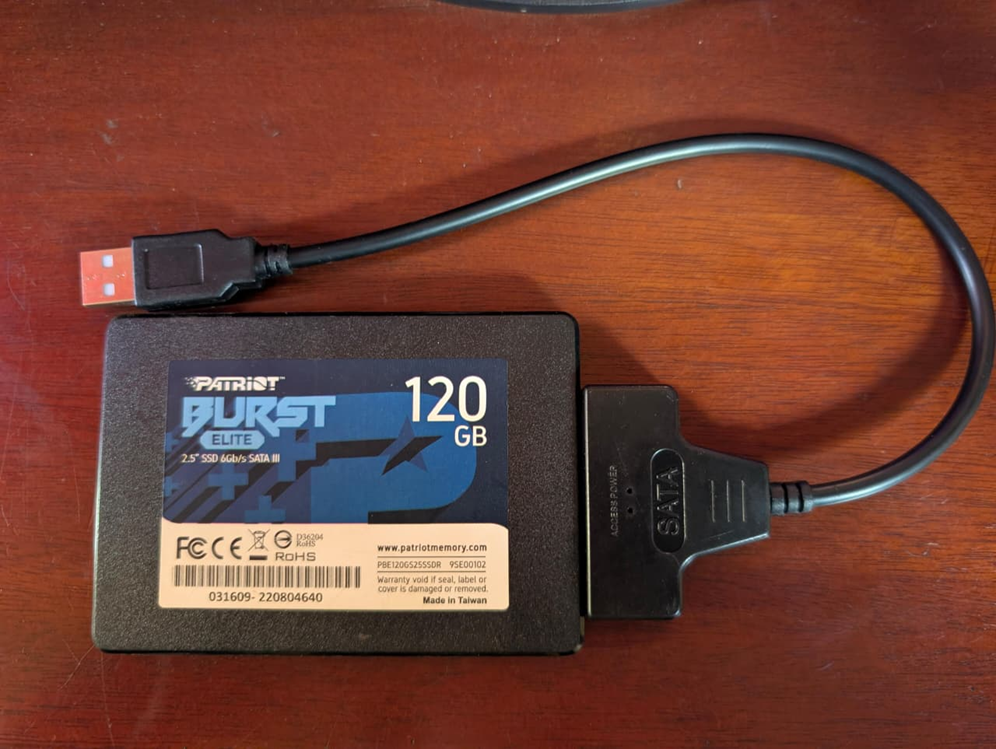
Connecting the 2.5” SATA SSD to the adapter is that simple. It does not require any drivers on Windows, and it also works on macOS and Linux.
There were many files on this SSD since it came from a laptop that stopped working. It was not worth repairing, so I decided to remove the SSD and reuse it on my PC.
The first thing I did was format the SSD completely to free up space, since it is a small 120 GB drive.
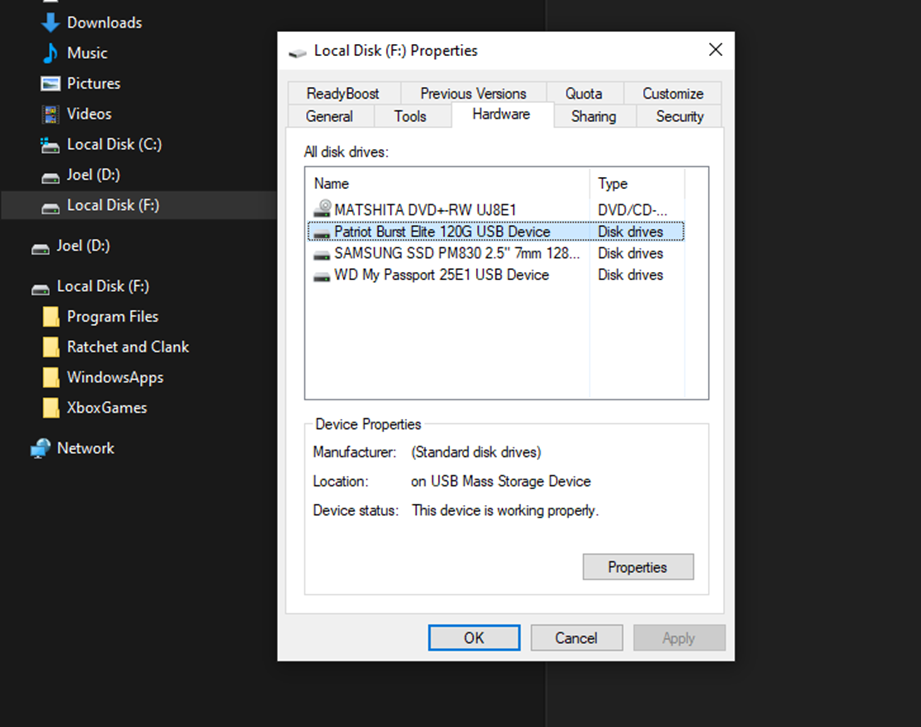
My PC recognizes the SSD without any issues, so it works perfectly for storing any type of file. I have not experienced any problems during the two weeks I have been using this SATA to USB adapter.
Interested in this adapter? Get it here on Amazon!
We are influencers and brand affiliates. This post contains affiliate links, most which go to Amazon and are Geo-Affiliate links to nearest Amazon store.

My name is Joel! I love to read, I go to university like most people my age.
In my free time I usually train boxing, I love music, I also know how to play the guitar and the harmonica.