
We are influencers and brand affiliates. This post contains affiliate links, most which go to Amazon and are Geo-Affiliate links to nearest Amazon store.
As someone who spends many hours a day in front of a monitor, I completely understand what eye strain can do. When you don’t feel comfortable working from a PC, your performance starts to drop, and that affects productivity in the long run.
However, with simple changes like adding a monitor lamp, you can drastically improve your concentration and boost productivity to finish your tasks faster. And yes, this is exactly what we’re going to show you today.
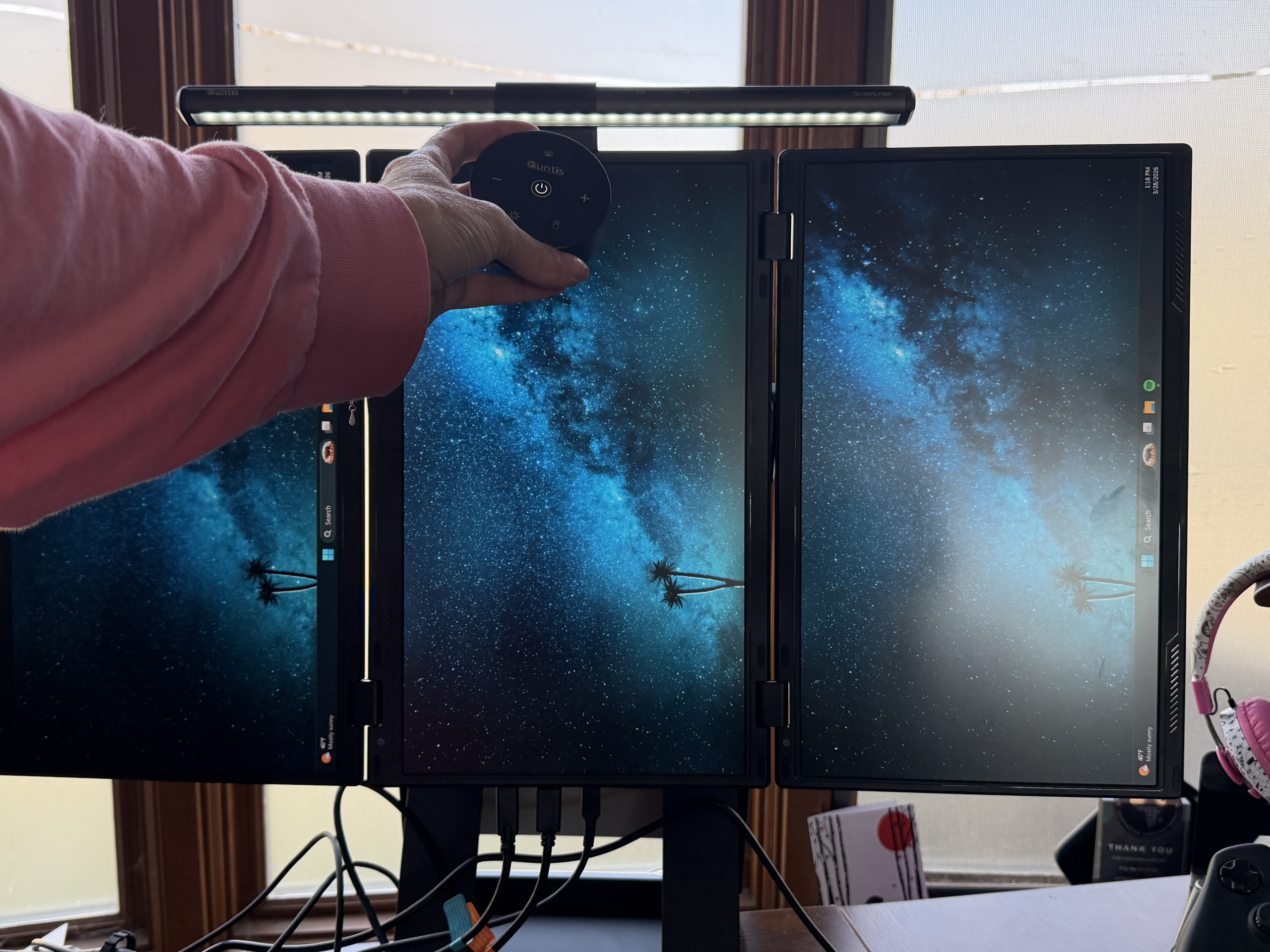
We’re talking about the Quntis Monitor Light Bar Focus, which is actually a simple product with some interesting features. But as you know, it only takes small changes in our environment to create big changes in ourselves.
So, if you’re interested in getting one, keep reading because below we’ll dive into its main features.
Features of the Quntis Monitor Light Bar Focus
Designed to block blue light
If you didn’t know, screens emit a type of light called “blue light,” which is harmful to the human eye, mainly because it increases eye strain, causes dryness, and can even interfere with sleep. So there are many drawbacks that can negatively affect daily productivity over time.
So, in addition to better illuminating your workspace, it helps you take care of your eye health in a simple but important way.
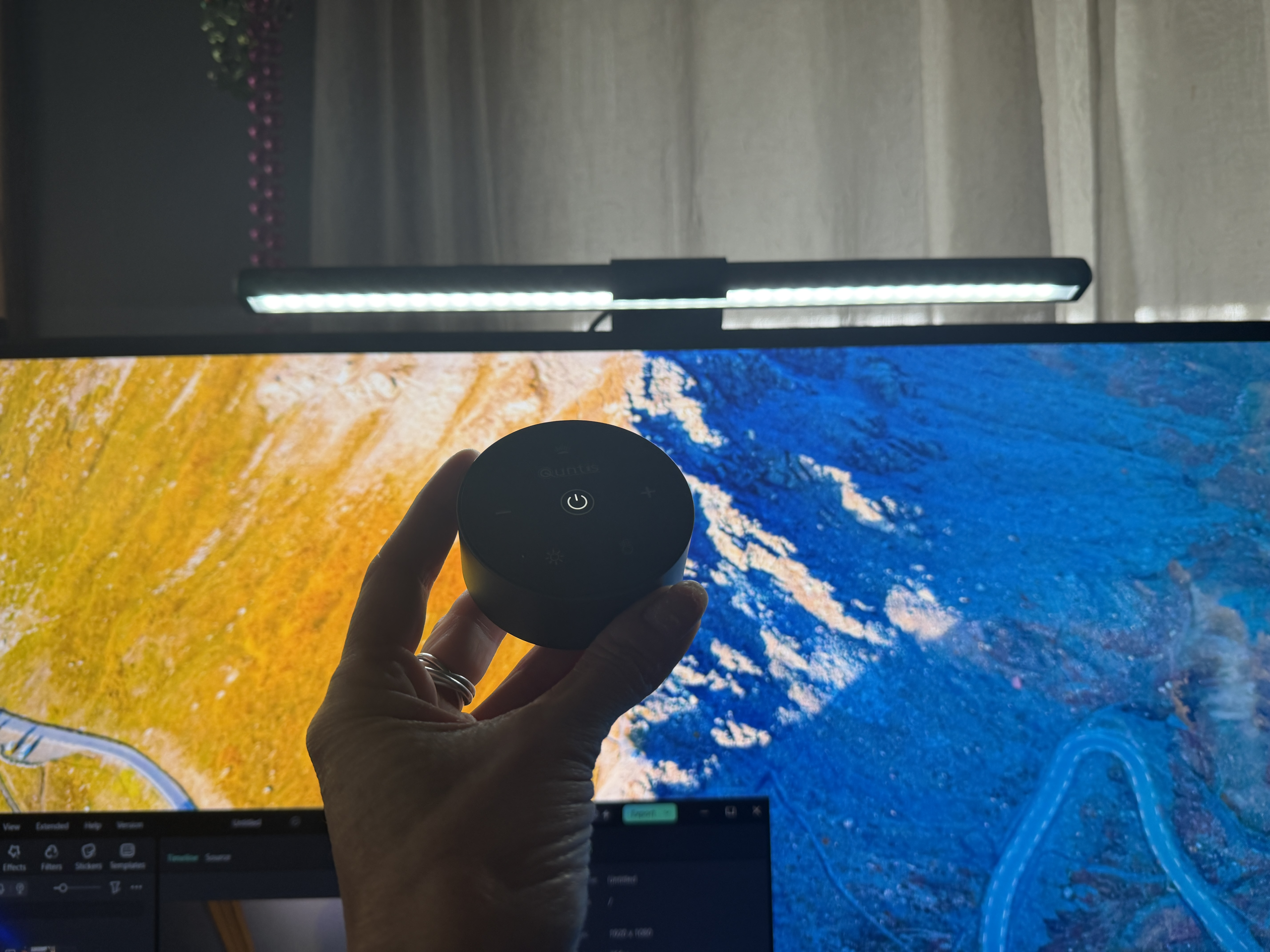
Adjustable brightness and color temperature
Another great thing about this monitor lamp is that it doesn’t have a fixed white color temperature like most are designed with. Instead, it allows you to adjust both the brightness intensity and the temperature.
So you can have a white light, but also a more pleasant color for most people, like a warm yellow, which is often associated with better concentration when writing, for example. The settings range from 3000K to 6500K.
Touch control included
Another great feature is that you don’t need to physically touch the lamp to adjust the brightness or temperature. Instead, you can do it directly from the touch control, which is much more convenient than interacting with the lamp and accidentally moving it out of place once it’s installed on top of your monitor.
You don’t need to download any software or use drivers; it’s simply plug and play.
To find the right model of light bar for your monitor check out the Quntis light bar comparison guide
Or you can pick up the Quntis Monitor Light Bar Focus 40cm model Available here on Amazon
We are influencers and brand affiliates. This post contains affiliate links, most which go to Amazon and are Geo-Affiliate links to nearest Amazon store.

My name is Joel! I love to read, I go to university like most people my age.
In my free time I usually train boxing, I love music, I also know how to play the guitar and the harmonica.