
We are influencers and brand affiliates. This post contains affiliate links, most which go to Amazon and are Geo-Affiliate links to nearest Amazon store.
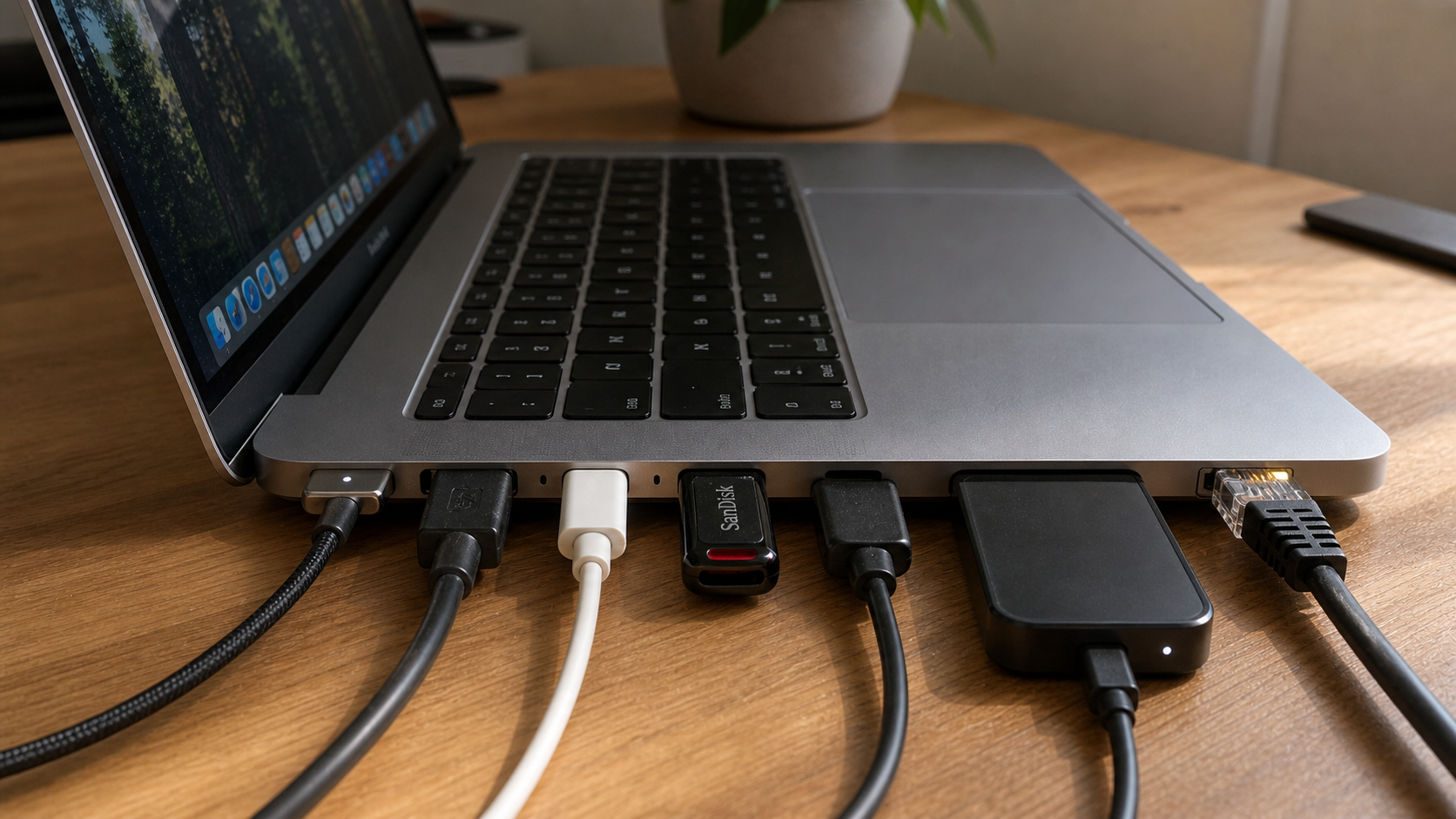
If your laptop has run out of ports and you need more to keep working, you might feel stuck because you can’t magically add new ports. But what you can do is use a very efficient solution: a docking station.
What is a docking station?
Basically, it is a device that allows you to multiply the number of available ports using just one port on your laptop. Today, the most common and recommended option is a USB-C docking station, like the ones from Anker, since USB-C can handle high data transfer speeds.
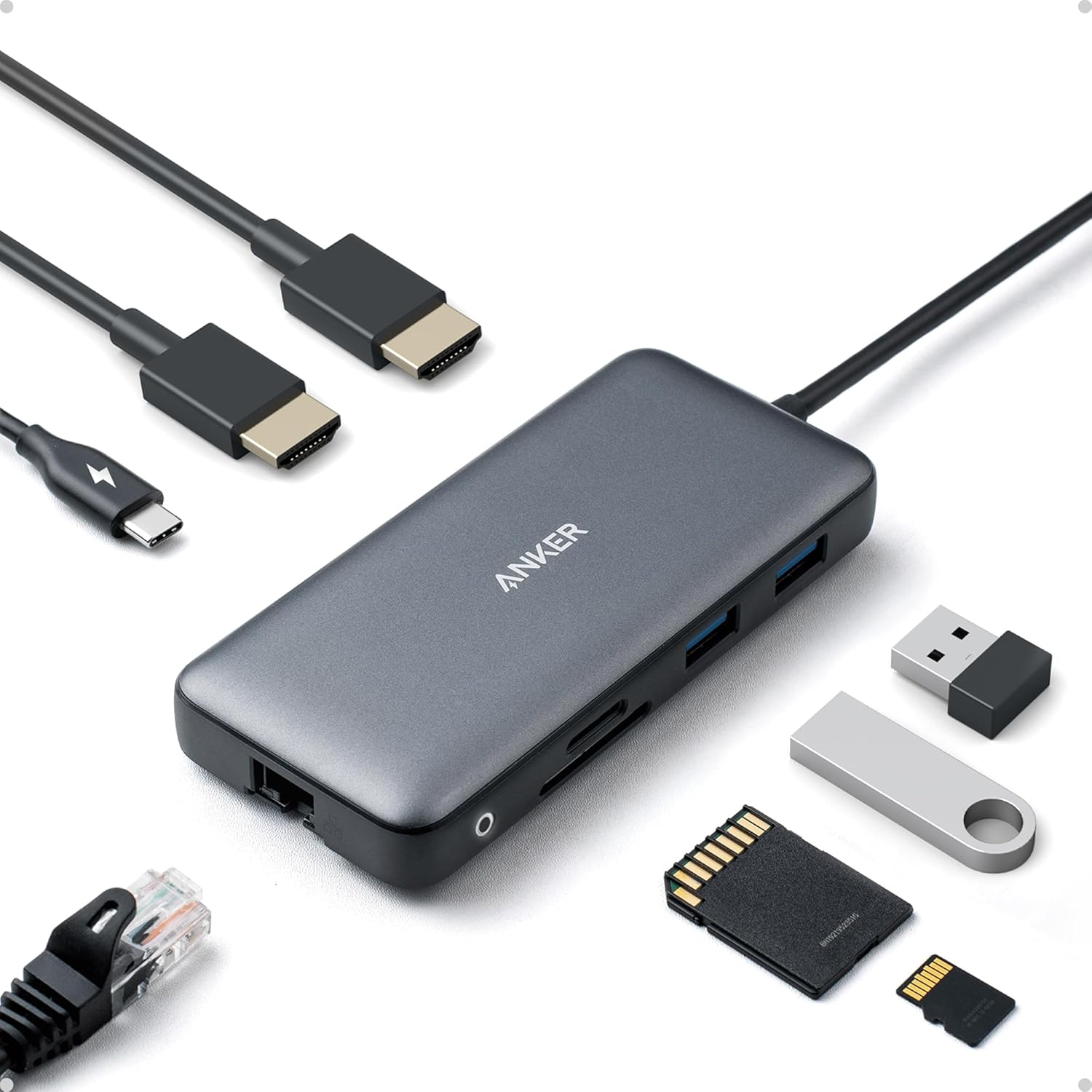
A very reliable option is Anker’s docking station, mainly because Anker is a brand with strong experience in devices like chargers, power banks, portable power stations, and even high-performance solar panels.
So if you are interested in getting one, keep reading, because below I will show you the main features of this laptop docking station.
8 in 1
As I’ve mentioned multiple times in this article, the big advantage of any docking station is that it multiplies the number of available ports, and this Anker docking station is no exception.
It comes with multiple ports, including two HDMI outputs for dual monitors, 2 USB-A ports, a USB-C power delivery port, a 1 Gbps Ethernet port, and SD and microSD card readers. So you can
Just keep in mind that this docking station needs a charger. Without an external power adapter, it will still work, but it will be limited to USB ports, HDMI, Ethernet, and card readers. However, to charge your laptop and take advantage of up to 85W power delivery, you need to connect a USB-C charger, ideally a 100W one.
Supports 4K
As mentioned earlier, this docking station includes 2 HDMI ports, which means it can mirror or extend your laptop display, helping improve productivity if you use one or two extra monitors.
Even if you think this Anker docking station does not handle high resolution, it actually supports up to 4K at 60Hz, or 4K at 30Hz when two displays are connected.
Works on Windows and macOS
This docking station is compatible with Windows and macOS, but not with Linux. On Windows it works better because it allows dual extended monitors and makes full use of the HDMI outputs.
On macOS there is an important limitation, since it usually only allows screen mirroring instead of independent extended displays like Windows. This is not Anker’s fault, but a limitation of Apple systems.
Does it include a warranty? Yes, Anker offers an 18-month warranty if purchased through Amazon.
Where to buy it? Available here on Amazon
We are influencers and brand affiliates. This post contains affiliate links, most which go to Amazon and are Geo-Affiliate links to nearest Amazon store.

My name is Joel! I love to read, I go to university like most people my age.
In my free time I usually train boxing, I love music, I also know how to play the guitar and the harmonica.