
We are influencers and brand affiliates. This post contains affiliate links, most which go to Amazon and are Geo-Affiliate links to nearest Amazon store.
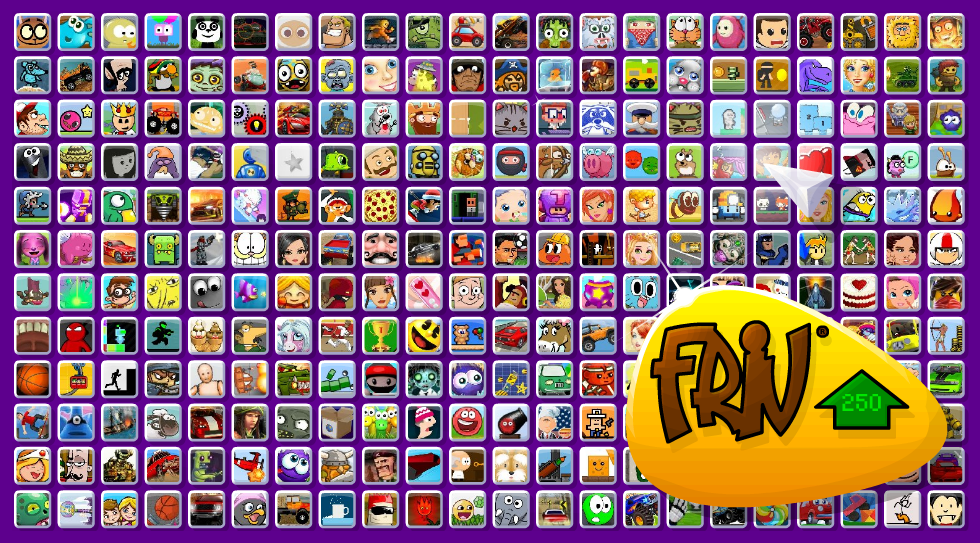
Friv was probably the most popular browser games website from its launch in 2006 until 2020, when it had to be completely redesigned due to major changes in browser security policies that almost completely removed the ability to run Adobe Flash natively in the browser.
Why Did Adobe Flash Player Stop Working in Browsers?
You might not know this, but many years ago, HTML5 was not the standard for games and animations running directly in the browser. Instead, Adobe Flash Player was the main technology used. The problem was that Flash had many security issues, which were made worse by compatibility problems on mobile devices.
To put it in perspective, in 2010, Steve Jobs published a letter called Thoughts on Flash. It explained the problems with Flash and made it clear that Apple mobile devices, like the iPhone, iPod touch, and iPad, would not support this technology.
Over the years, Flash stopped being used and was replaced by HTML5. The issue is that many popular browser games were created long before HTML5 became standard. Converting a Flash game to HTML5 was technically possible, but extremely difficult because all the code had to be rewritten from scratch.
How Can You Use the Old Friv Menu?
Fortunately, Friv has worked for years to keep a large number of classic games available. So even though the main menu looks very different from the old one, mainly because it is now mobile-friendly, it is still possible to access the old menu and find most of the games.
To do this, Friv uses a Flash emulator, which allows some older games to run. Not all games work perfectly, so some cannot be played. The good news is that many developers recreated the games using HTML5.
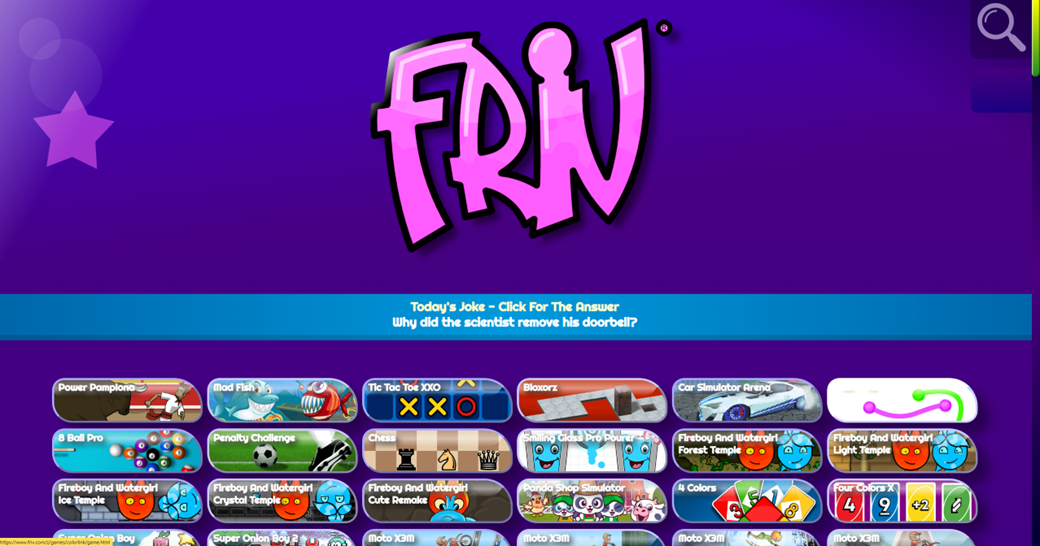
The current Friv menu is very different from the classic menu. While it contains many classic games, a significant portion are new games. The menu was redesigned mainly to give mobile users a better experience.

However, if you scroll to the bottom of the page, you will see an option called Old Friv. Click it, and it takes you to a Q&A page explaining why Friv had to be rebuilt almost from scratch after Flash was removed.
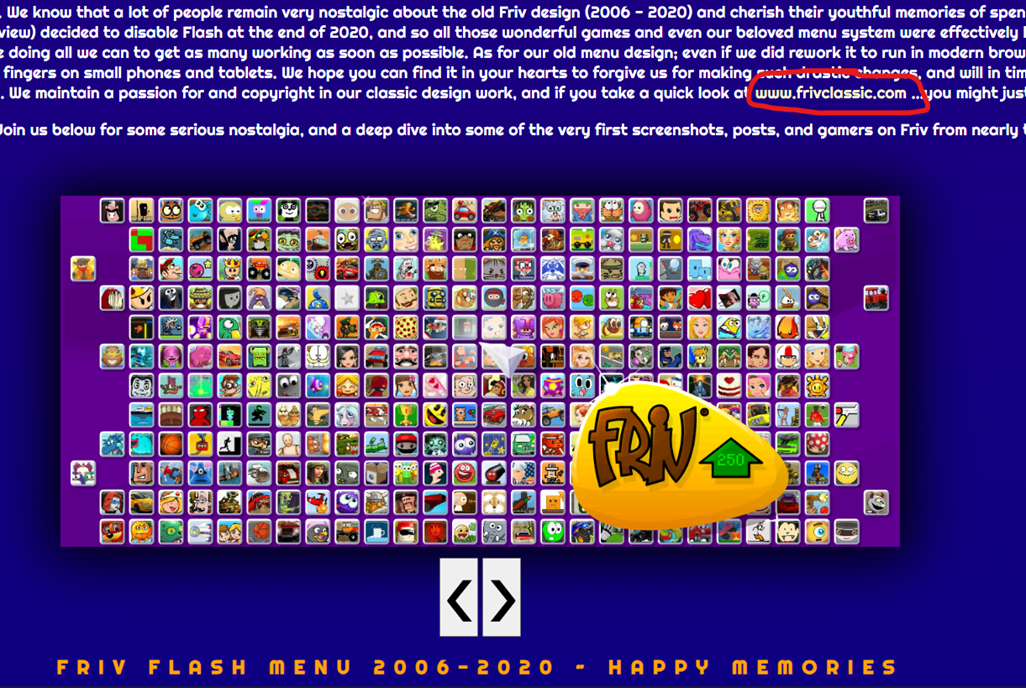
While explaining what happened, Friv provides a direct link to a page that recreates the classic Friv menu called Frivclassic. Not all games are there, but the most popular ones are, and even some lesser-known games are still available.
And that is it. This is how you can load the old Friv menu directly from your browser.
We are influencers and brand affiliates. This post contains affiliate links, most which go to Amazon and are Geo-Affiliate links to nearest Amazon store.

My name is Joel! I love to read, I go to university like most people my age.
In my free time I usually train boxing, I love music, I also know how to play the guitar and the harmonica.