
We are influencers and brand affiliates. This post contains affiliate links, most which go to Amazon and are Geo-Affiliate links to nearest Amazon store.
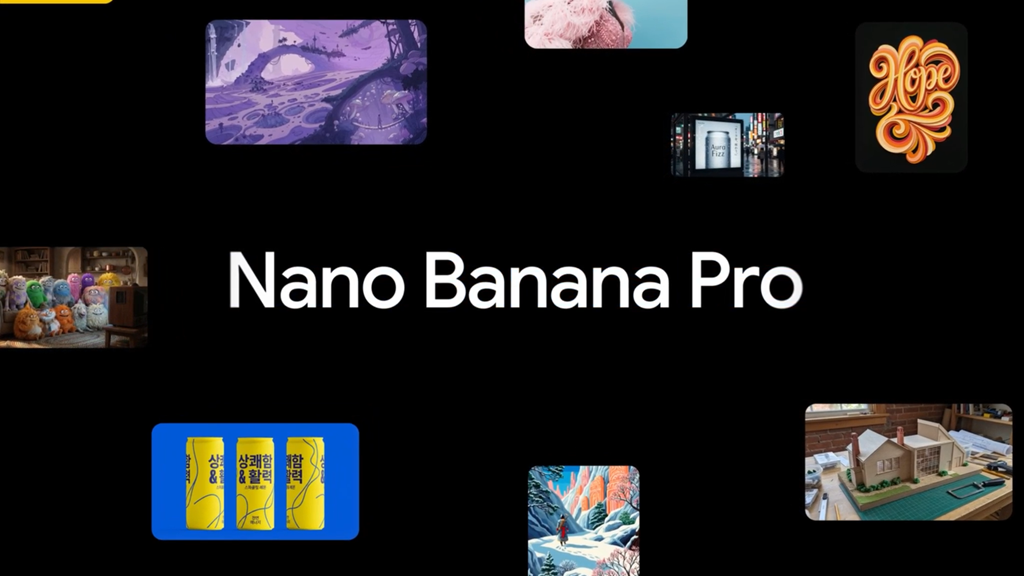
Gemini has become one of the most advanced AI assistants, and many already consider it the best, although OpenAI, the creator of ChatGPT, is still competing for that recognition.
Recently, Gemini launched a new, improved tool you might know: Nano Banana. The big difference now is that it can be used with the Gemini 3 Pro integration, which basically means creating and editing images is much more efficient thanks to advanced reasoning. This unlocks Nano Banana Pro.
Most people just create random images, but the real potential lies in using this advanced reasoning to create professional images, like thumbnails. That’s why today, on Dragon Blogger, we’ll show you how to edit thumbnails by just typing a few prompts, no advanced graphic design skills or specialized software like Photoshop needed.
What do you need to create a good thumbnail in Gemini?
First, of course, you need to access Gemini. Once there, set it up to activate Nano Banana Pro, which, as mentioned, is much more advanced because it allows the model to analyze deeply before generating the image.
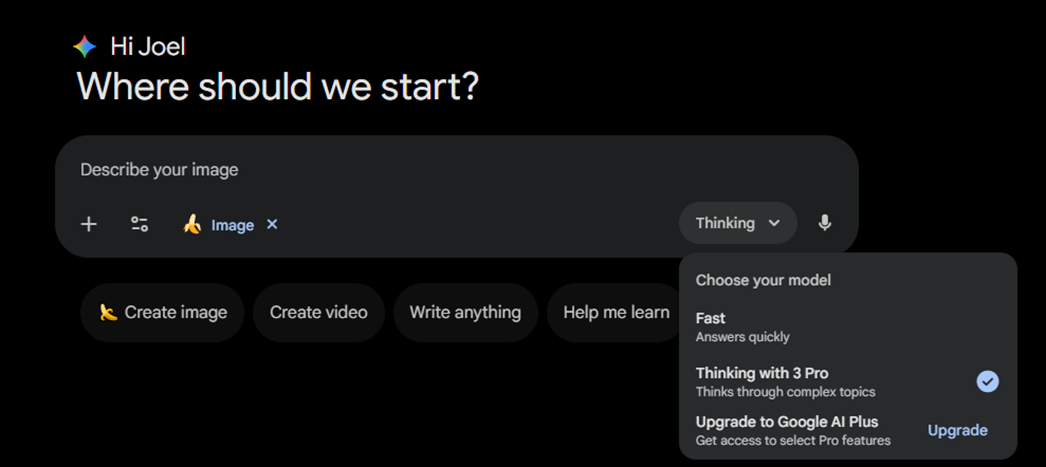
Here’s the setup you should use: simply enable “create image” and select the Gemini 3 Pro model, the advanced reasoning model.
Next, you need to give Gemini information so it knows what to create. In our case, we’ll make a thumbnail featuring our Dragon Blogger collaborator Blake showing the Logitech K400 Plus keyboard. We’ll add these two images as references so Gemini has a solid base to create the thumbnail, adding a background is not necessary.
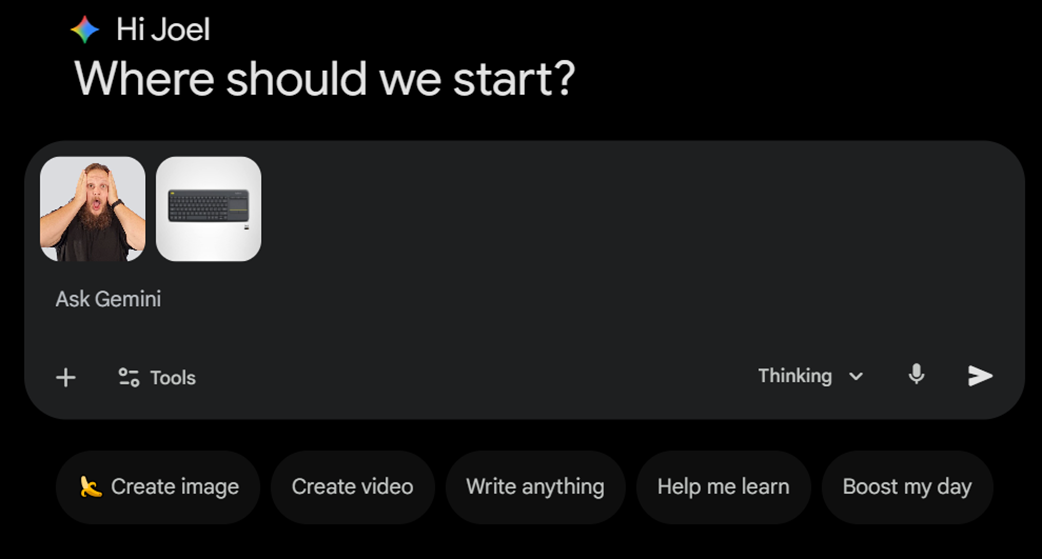
As a tip, use clean images. For example, if you want to include an image of yourself, you can remove the background for free and in high quality with tools like Erase. Gemini can do it too, but it’s better if the AI focuses on other tasks to prioritize thumbnail quality.
For the style, we’ll create a thumbnail in the “MrBeast style” a high-impact visual format designed to grab attention immediately. These types of thumbnails have become very popular among content creators, so it’s a great idea to adapt it if you want more clicks.
Of course, you can get creative and make your own style, this is just one idea. There are thousands of styles that will probably fit your content even better.
How to create a good prompt in Gemini Nano Banana Pro
This is the most important part, and it’s definitely something people should learn to improve thumbnails and, in general, image generation in any AI assistant like Gemini or ChatGPT.
While the AI can work with simple prompts, it’s best to describe your instructions clearly to get the best results and avoid unwanted interpretations that could result in a thumbnail different from what you had in mind or with mistakes.
Even though we’re focusing on highly eye-catching thumbnails here, a good prompt should include the thumbnail’s context (type and size), the main elements that must appear (person, product, text, colors), the desired visual style, and the emotion you want to convey, as well as any limitations to prevent the AI from misinterpreting your instructions.
What if you struggle to create a good prompt?
The AI can help. Just briefly describe what you want and ask Gemini to generate a detailed prompt. Then read it, make any adjustments you think are necessary, and use it to create your thumbnail.
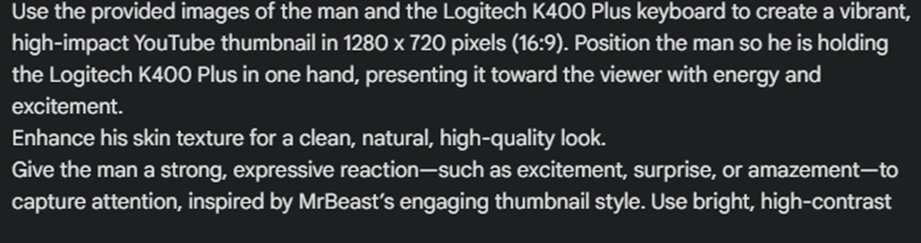
Here’s part of the prompt we used to create one of the test thumbnails we made as an example.
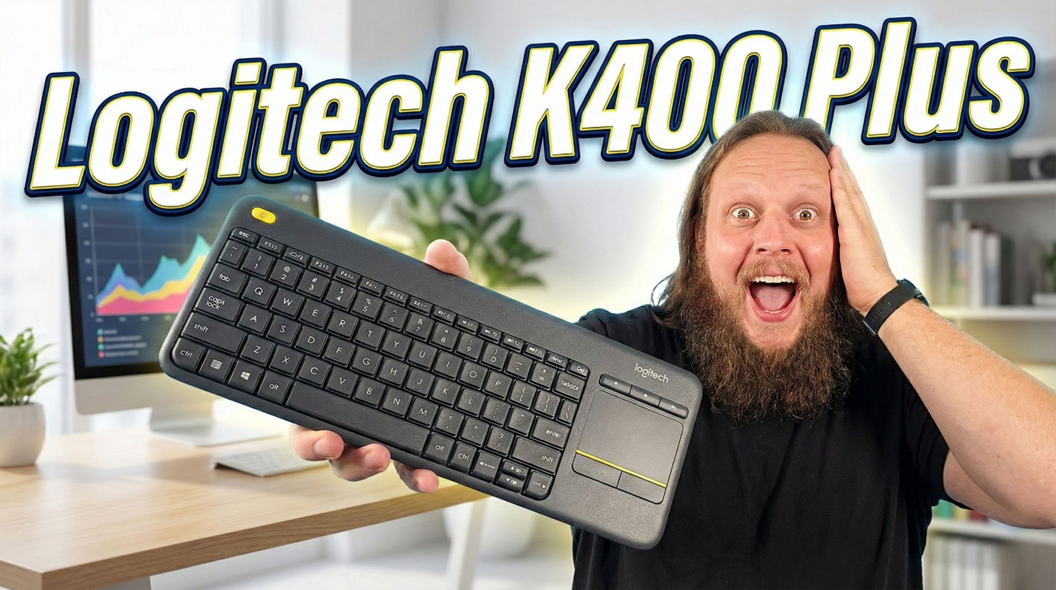
The result was simply incredible, just words were enough for the AI to create a thumbnail that might take a person hours to make.

Using another prompt, we got an even more striking thumbnail, but it’s not perfect, which is why we wanted to include it. If you look closely, you’ll notice the title gets partially blocked by Blake, which is exactly why limitations in a prompt are important, they help avoid these mistakes. Even so, it’s a very good thumbnail that will quickly catch attention.
That’s it. Creating a thumbnail using artificial intelligence is really that easy!
We are influencers and brand affiliates. This post contains affiliate links, most which go to Amazon and are Geo-Affiliate links to nearest Amazon store.

My name is Joel! I love to read, I go to university like most people my age.
In my free time I usually train boxing, I love music, I also know how to play the guitar and the harmonica.