
We are influencers and brand affiliates. This post contains affiliate links, most which go to Amazon and are Geo-Affiliate links to nearest Amazon store.
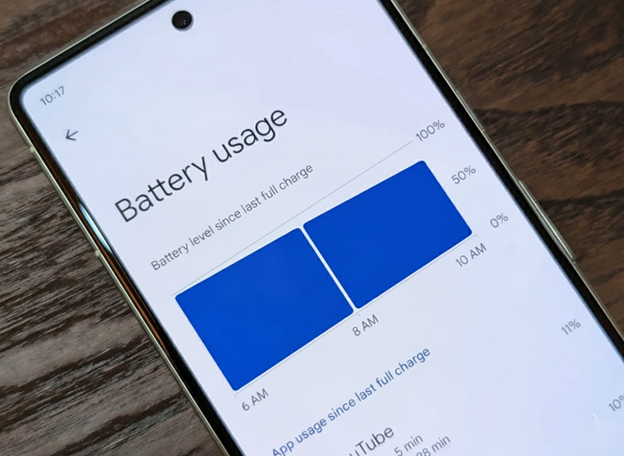
Today, smartphone battery life has improved a lot. Most phones now offer at least a full day of use on a single charge, and some even allow up to almost a week of use with one charge. Of course, this depends largely on how each person uses their device.
If you use your phone for most of the day, battery life might be a problem. Looking for ways to maximize battery life is a smart idea. That is why today on Dragon Blogger we bring you an article for Android users with some tips to help you get the most out of your smartphone battery.
1. Restart your phone
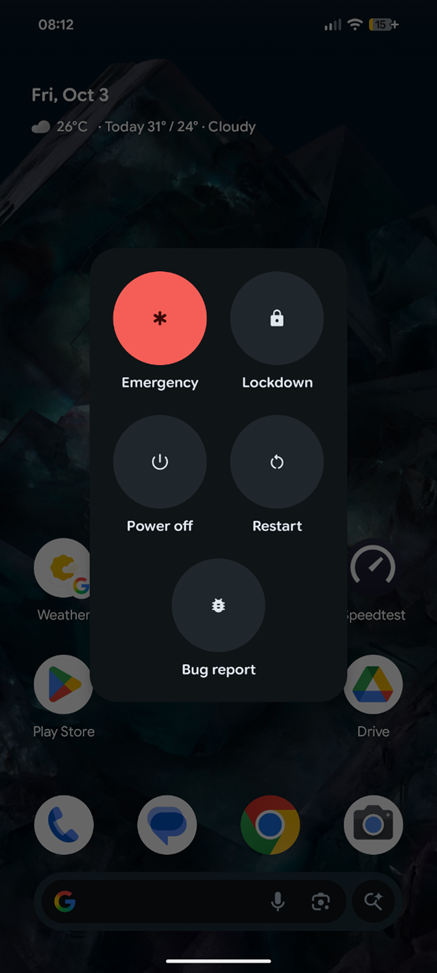
I have always said this: if someone notices poor performance on their phone, the first thing they should do is restart it. This applies to almost any problem, and if you notice battery issues, a restart could fix the root of the problem. If you have not done it yet, consider restarting your phone now.
2. Turn on battery saver mode

Most smartphones have a built-in battery saver mode. This mode limits visual effects and, in some cases, restricts apps running in the background that can consume a large percentage of your battery, especially after a few hours. Some devices have two battery modes. For example, Google Pixel phones offer a standard mode and an extreme battery saver mode, which is designed for emergencies.
For everyday use, you can safely enable the standard mode and you should notice longer battery life by the end of the day.
3. Check if your phone is updated
My Google Pixel is part of the Beta update program, which means past updates may have had battery optimization issues or other performance problems. The best way to stay up to date is to check if there are any recent updates available. Whether your phone is in a beta program or not, updating your device can improve many aspects of performance, including security patches and battery management improvements.
4. Avoid charging the battery to 100%

If you did not know, the lithium-polymer batteries used in most modern smartphones tend to get stressed when charged between 80% and 100%. This is one reason charging slows down after 80%. Some smartphones even allow you to limit charging to 80%. Once it reaches that level, charging stops to extend the battery’s lifespan.
This does not solve daily battery life problems, but in the long run, it is worth avoiding charging your phone to 100% all the time. Only fully charge your phone when necessary, such as when you plan to be away from home for many hours.
5. Check your screen settings
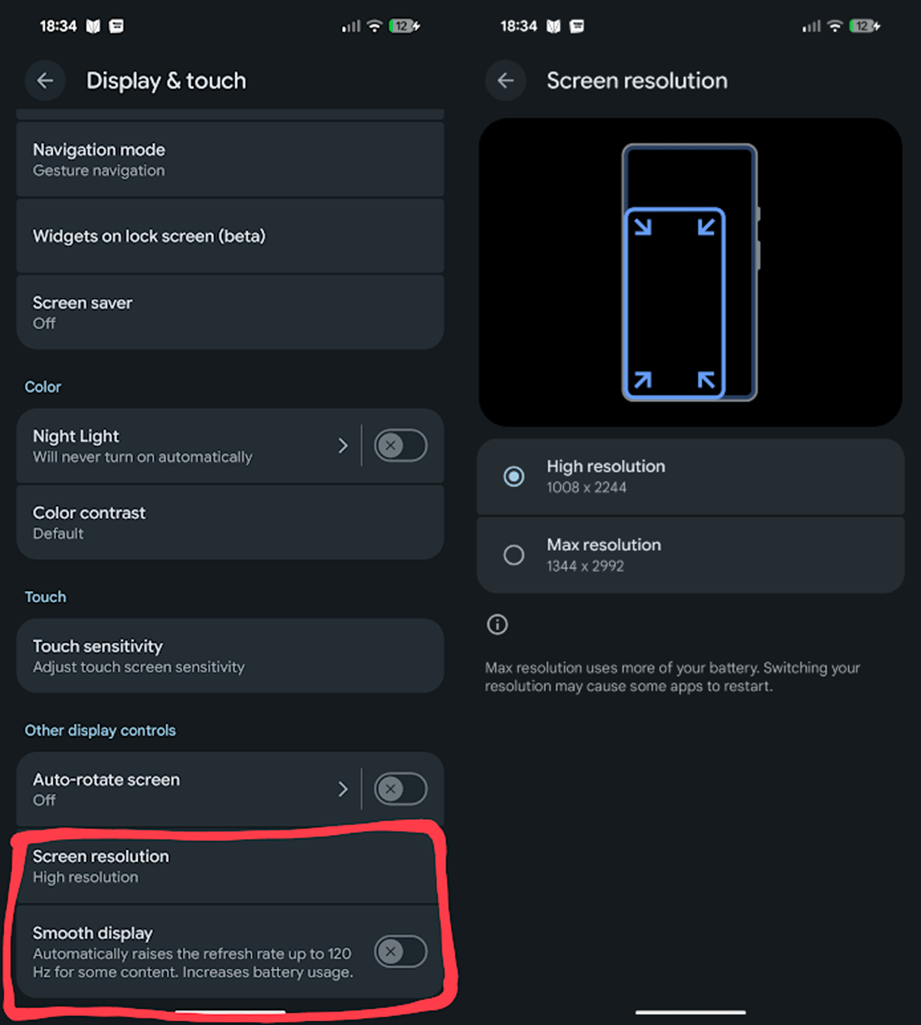
Many users have default screen settings that make the phone consume more power. Some devices allow different resolutions. You can choose the standard resolution instead of the maximum, which usually makes almost no noticeable difference in quality. Also, check the refresh rate. Some smartphones allow up to 120 Hz, but this is not necessary unless you are gaming. Set it to 60 Hz to save battery.
6. Check battery usage of your apps
Be aware that apps can be surprisingly high battery consumers. Intensive activities like 4K video recording or taking many pictures, plus the use of gaming apps, can quickly use up a large amount of power. Check your battery consumption data to spot any app with unusually high energy use and, if necessary, cut back on how often you use it.
We hope these tips are useful and help you get the most out of your Android battery!
We are influencers and brand affiliates. This post contains affiliate links, most which go to Amazon and are Geo-Affiliate links to nearest Amazon store.

My name is Joel! I love to read, I go to university like most people my age.
In my free time I usually train boxing, I love music, I also know how to play the guitar and the harmonica.