
We are influencers and brand affiliates. This post contains affiliate links, most which go to Amazon and are Geo-Affiliate links to nearest Amazon store.
A while ago, I wrote an article about how to summarize a YouTube video using Gemini, where I also showed that it was possible to get a transcript, even from videos that did not have a transcript available. However, today I will show you something different, although it is quite similar.
In this article, I will explain how you can transcribe an MP3 audio file into text. This can include any audio file you have on your device that you need to convert into text so you can work with it more easily. You can also create summaries with the help of AI, but I will mainly focus on how to quickly turn your audio into a highly accurate transcript.
Just keep in mind that, like any AI tool, audio-to-text transcriptions are not 100% perfect. There may be small inconsistencies if the model cannot recognize certain words, but honestly, the accuracy these days is around 95%.
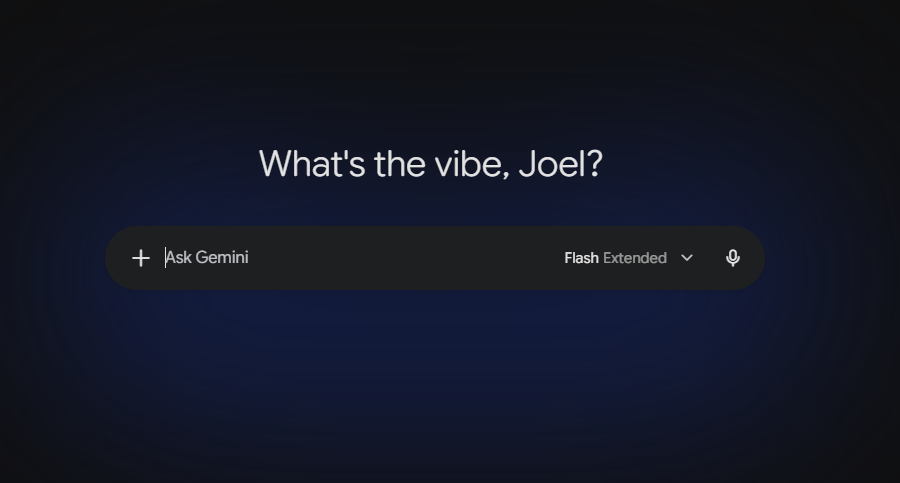
Once we are on the main Gemini interface, the first thing you need to do is select the plus (+) option and attach a file from your device. Then, simply find the audio file you want to transcribe or summarize and upload it to Gemini.
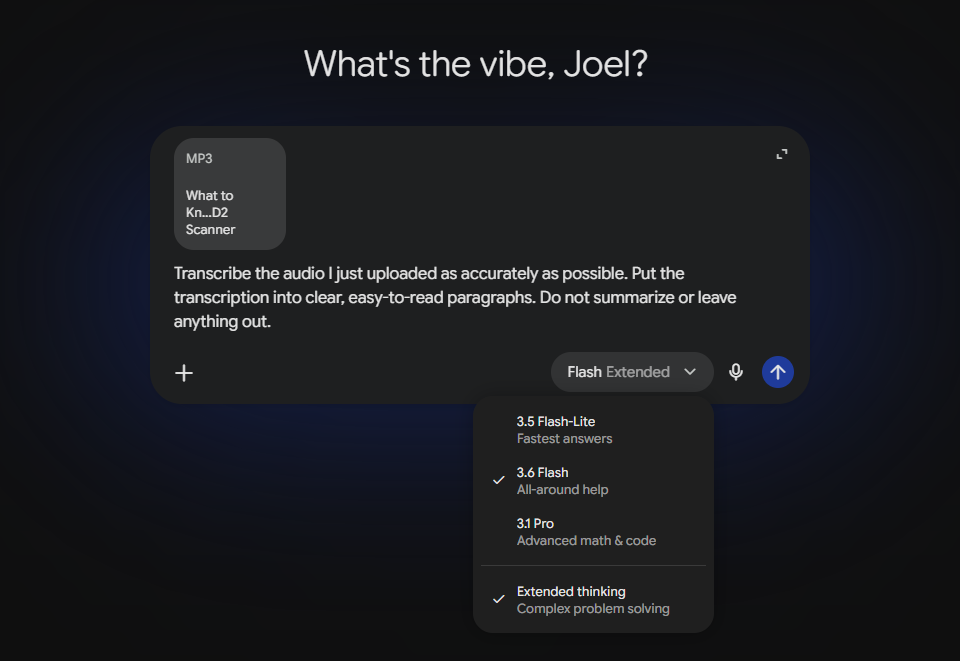
For this test, I will be using audio from one of the videos we recently published on the Dragon Blogger YouTube channel about a THINKCAR car scanner. The video is a little over 5 minutes long, so it is relatively short, but it is long enough to work as a test.
In the prompt, I asked Gemini to maintain accuracy and avoid leaving out any information.
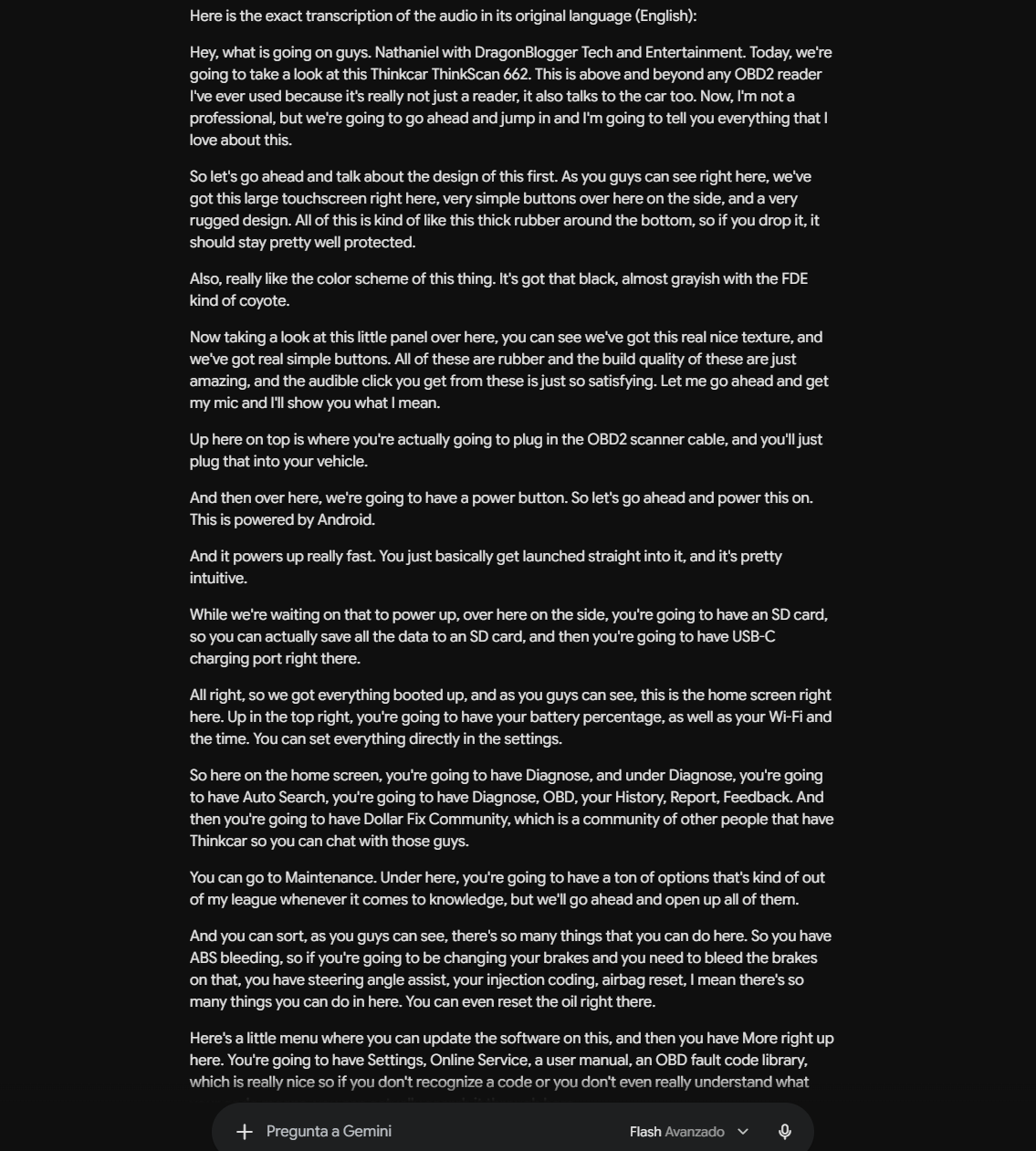
After a few seconds, Gemini returned the audio transcript. It was not completely perfect, but it managed to convert almost everything from the video with a high level of accuracy.
This is pretty incredible because, just a couple of years ago, doing something like this was quite tedious. You had to pay to use a transcription service, while Gemini can now do it in just a few seconds completely free of charge.
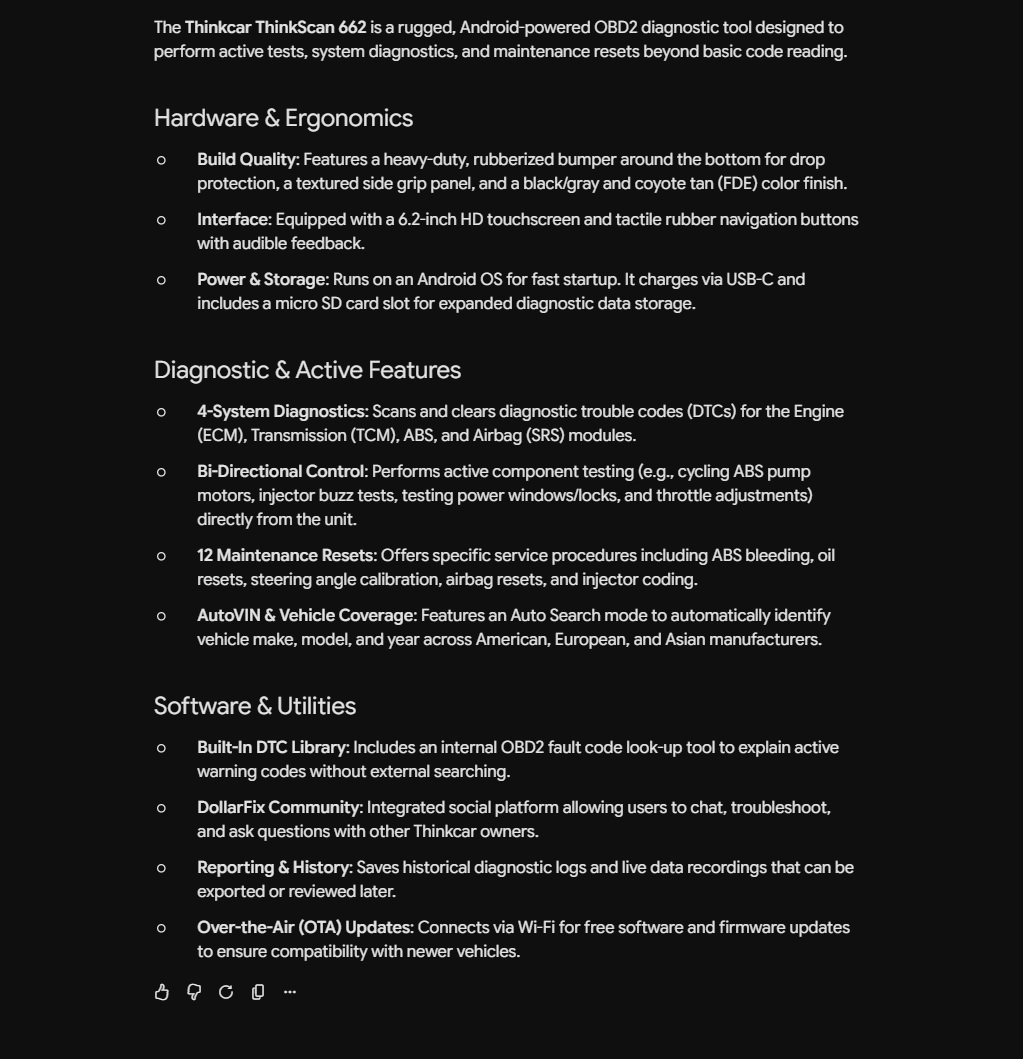
Here, I asked it to create a summary of the transcript so I could quickly understand the most important points about the product. This can be quite useful in other situations, such as during a conference where you have recorded a large amount of audio and need to summarize the information as efficiently and quickly as possible.
And that's all for today! It is that easy to transcribe audio into text for free using Gemini.
We are influencers and brand affiliates. This post contains affiliate links, most which go to Amazon and are Geo-Affiliate links to nearest Amazon store.

My name is Joel! I love to read, I go to university like most people my age.
In my free time I usually train boxing, I love music, I also know how to play the guitar and the harmonica.