
We are influencers and brand affiliates. This post contains affiliate links, most which go to Amazon and are Geo-Affiliate links to nearest Amazon store.
Godot Engine is, in my opinion, one of the lightest game engines I have ever tried. A big part of its popularity is that it is designed to be well optimized and to run on almost any hardware while using very few resources.
Many indie developers use Godot because it is completely free for both personal and commercial use, so you do not have to pay royalties or licensing fees, even if you create a game that later generates income. In contrast, many other game engines like Unity are only partially free depending on how much revenue your project makes.
Before sharing my experience with Godot, I need to clarify that I am a beginner in this field. I do not have much prior experience, so do not expect advanced development advice. Instead, I will focus on what Godot actually allowed me to create.
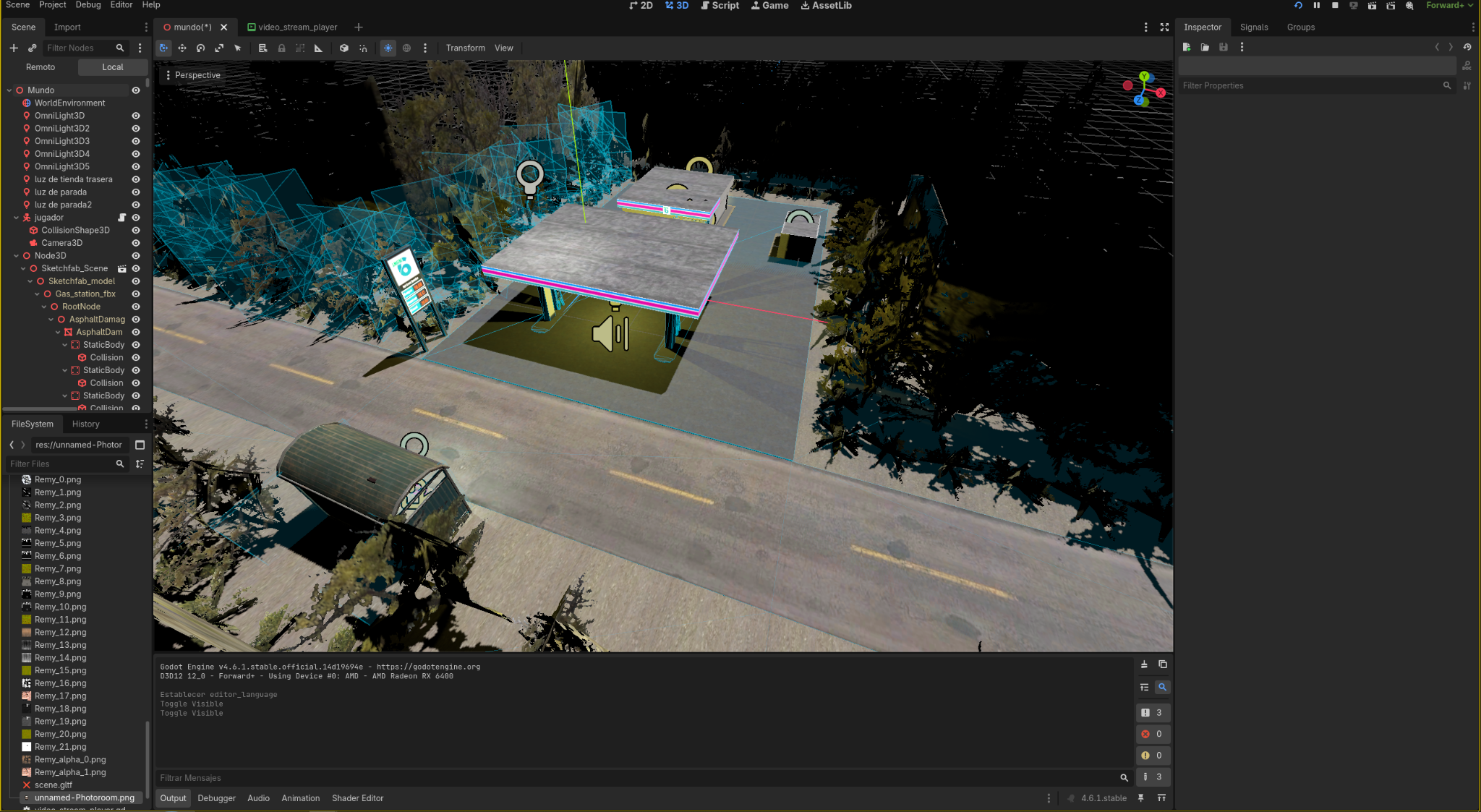
If you are a beginner and do not want to get too stressed, it is ideal to use assets created by other users, at least for the most important ones like terrain. This gives you a solid base to keep building on. If you have enough time and skill, you can also design and create your own original assets.
Once you start adding assets, Godot allows you to adjust many parameters, such as object placement, collision creation, audio range, lighting, and much more.
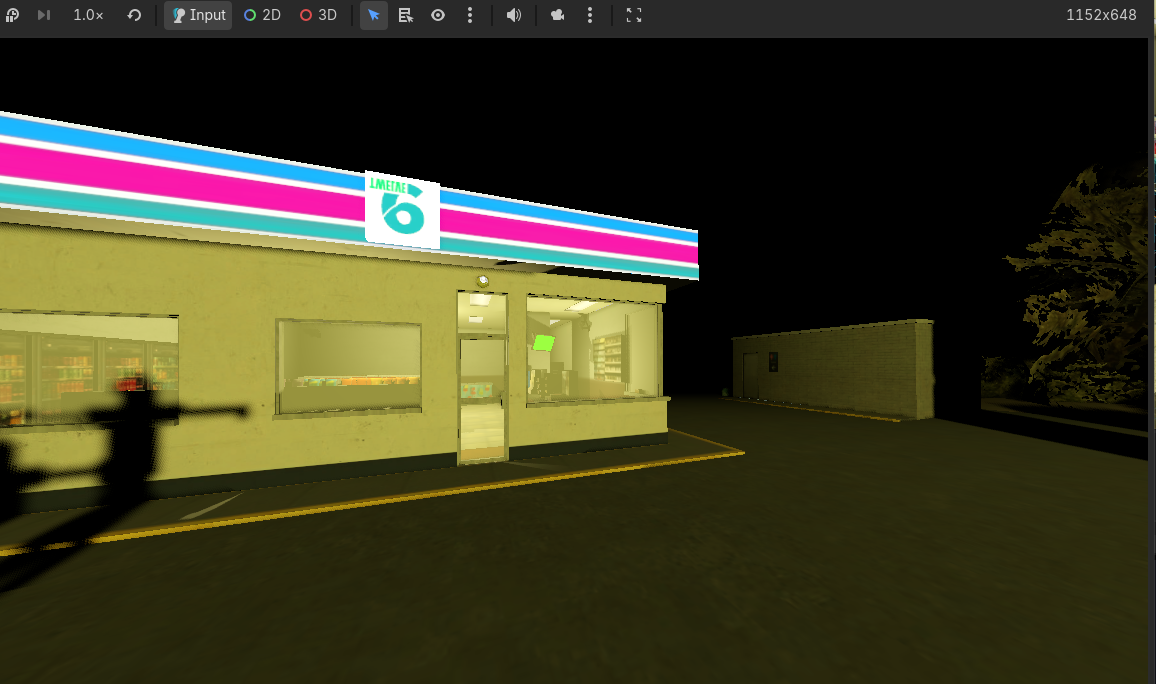
My project is a 3D horror game set in a gas station, specifically inside the convenience store of that station. Strange situations happen to the cashier, who starts encountering increasingly unusual characters and conversations.
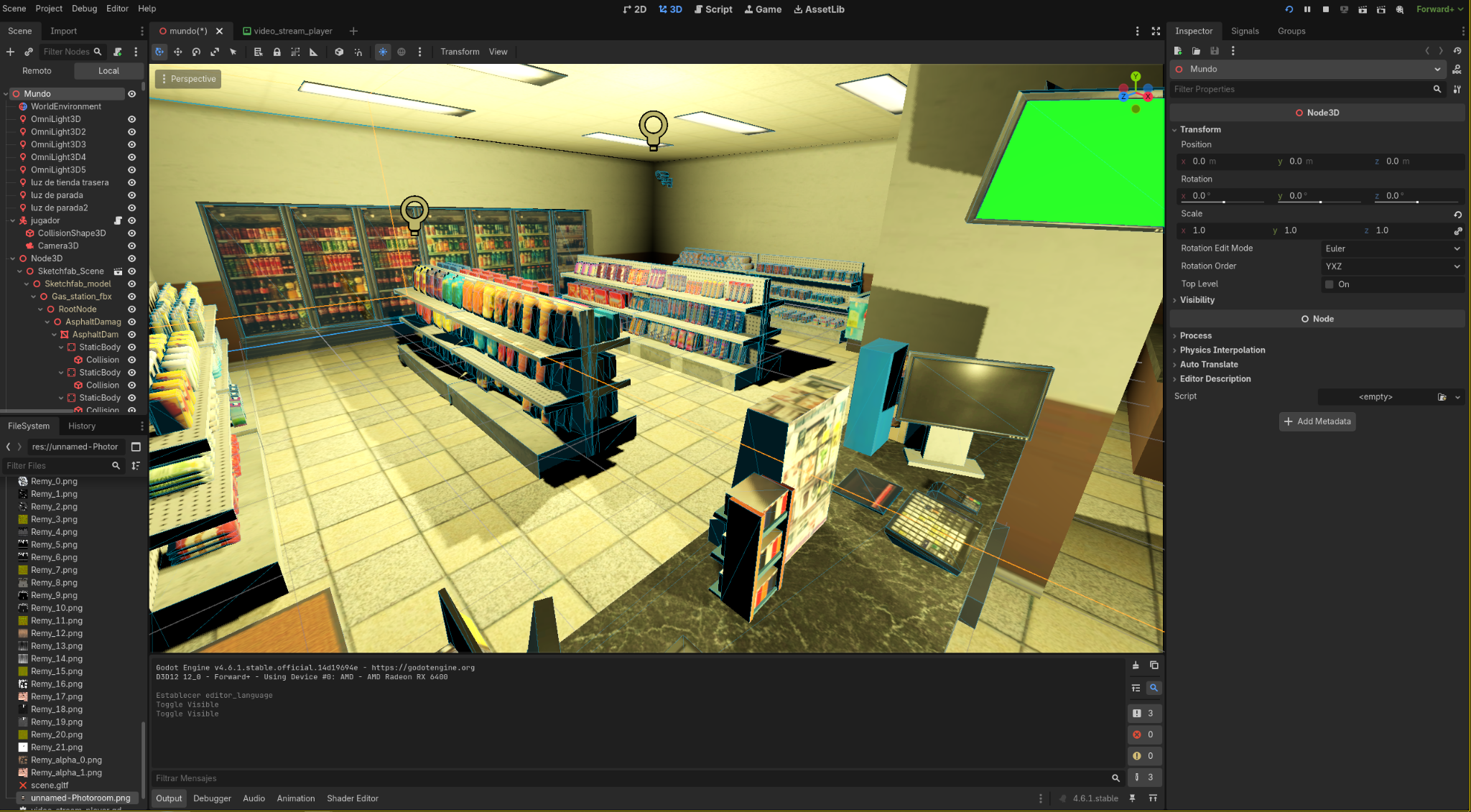
Here I was adjusting the indoor lighting of the store. Without it, the interior would be completely dark, so you simply use Godot’s lighting tools, which are some of the most basic and easy to use.
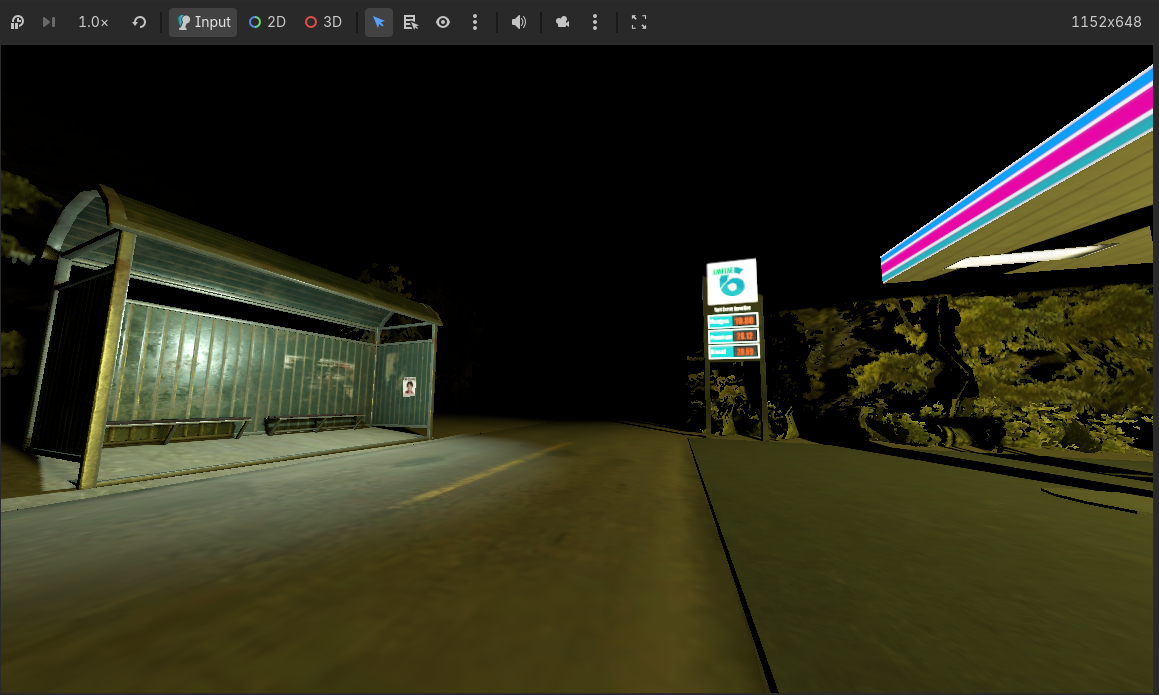
I also added and adjusted the outdoor lighting to give it a lonely and slightly unsettling atmosphere. I included sound effects too, such as nighttime insects you would typically hear outside.
Each sound has a range, meaning the closer you get, the louder it becomes, and it fades out as you move away. Inside the store, I added a sound similar to the low hum of refrigerators you hear in supermarkets, which actually reminded me of the Backrooms atmosphere.
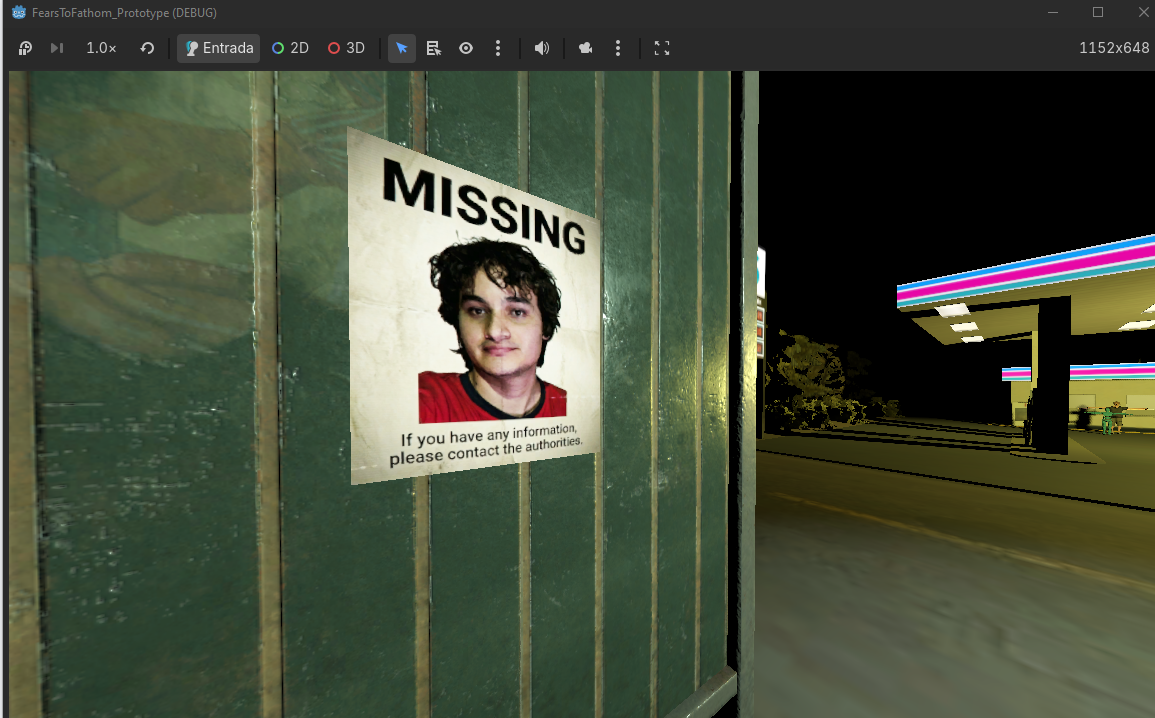
To add a personal touch, I placed a small sign at a bus stop showing a missing person notice, asking anyone with information to contact the authorities. I have to admit it is a bit funny seeing myself on that poster, but it is interesting and shows how creativity can give your game a unique identity.
To make the character work properly, meaning movement and collision, you need to add some functions, especially for the capsule shape used for the player controller. This includes adding a script, which is basically a bit of code. However, you can actually ask AI tools to help with this part if you do not have programming experience.
Most tools require zero lines of code, so do not be discouraged if you thought making games required advanced programming skills. At least that is not the case with engines like Godot or Unity.
I would say that once you learn the basic tools, the most important factor becomes the creativity of the developer.
Godot is fairly easy to use, but I would not say it is meant for ultra realistic games. It is better suited for medium fidelity visuals, typical in indie games, including both 2D and 3D projects. It is also a bit lighter than Unity, and it works very well on PCs or laptops with medium or low specifications.
We are influencers and brand affiliates. This post contains affiliate links, most which go to Amazon and are Geo-Affiliate links to nearest Amazon store.

My name is Joel! I love to read, I go to university like most people my age.
In my free time I usually train boxing, I love music, I also know how to play the guitar and the harmonica.